Firecrawl Data Source
Use Firecrawl for a public or explicitly approved website when no native connector owns the content. It can scrape one page or crawl a bounded section; it must not be used to bypass authentication or content policy.
Prepare the Connection
Create a Firecrawl connection with an API key and API URL, typically https://api.firecrawl.dev. Approve the target domain and confirm that retrieval and reuse are permitted.
Configure the Source
| Field | What to enter |
|---|---|
| Name | Domain and purpose, for example Public product docs — Current |
| Description | Owner, approved domain/path, exclusions, and review date |
| Connection ID | Stored Firecrawl connection |
| Sync frequency | On Demand, Daily, Weekly, or Monthly |
| Scrape type | Scrape for one page; Crawl for a bounded section |
| Scrape URL | Complete valid https:// starting URL |
| Limit | Integer of at least 1; current app default is 10000 |
| Include paths regex | Optional allowed path expression, for example ^/docs |
| Exclude paths regex | Optional blocked expression, for example ^/docs/archive |
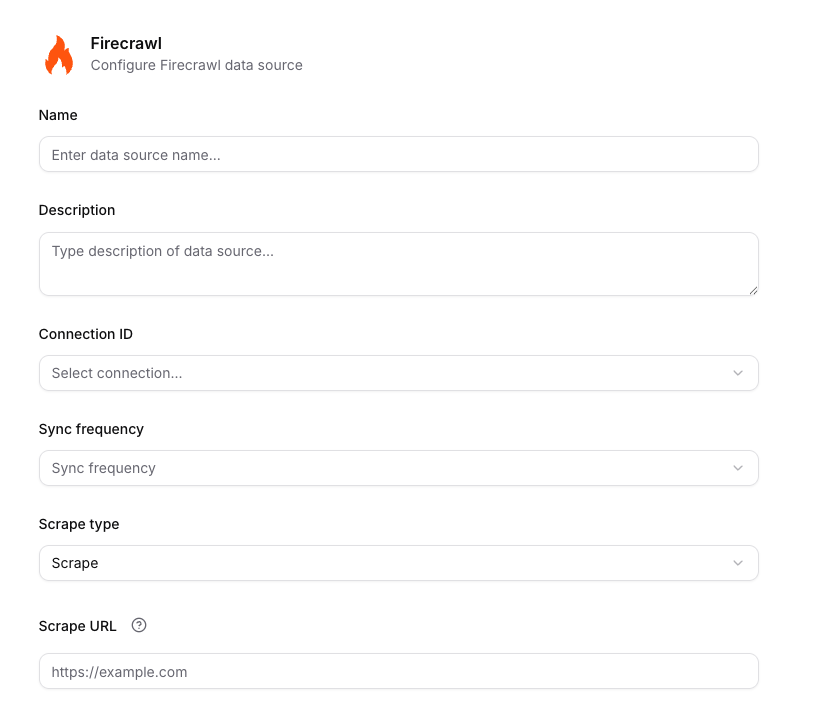
The upper part of the Firecrawl form selects the stored connection, schedule, mode, and starting URL.
Start with a small limit, inspect results, then increase deliberately. The high application default is a ceiling, not a recommended starting value.
Example:
Scrape type: Crawl
Scrape URL: https://example.com/docs
Limit: 50
Include paths regex: ^/docs
Exclude paths regex: ^/docs/(archive|preview)
Scrape or Crawl
Use Scrape for a stable policy page, landing page, or one exact URL. Use Crawl for a documentation tree with consistent paths. Exclude login, logout, search, calendar, preview, archive, account, and query-variant routes.
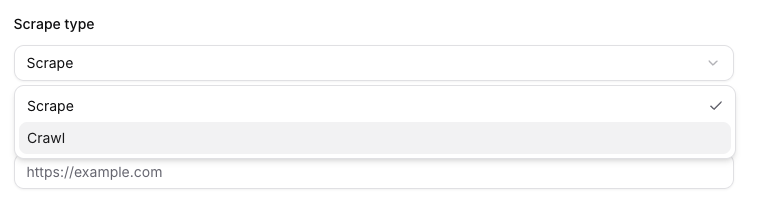
Choose Scrape for one URL or Crawl for a bounded site section.
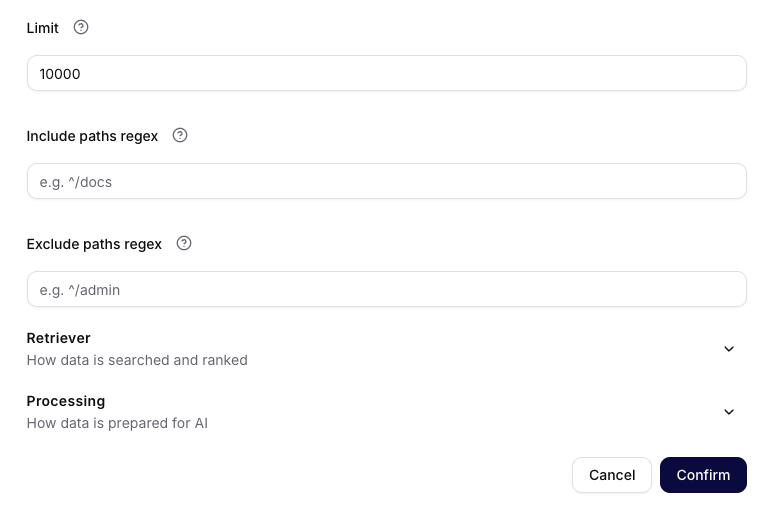
For a crawl, constrain volume and paths before changing Retriever or Processing settings.
Do not crawl authenticated apps, personal dashboards, customer portals, staging systems containing private data, or websites you are not allowed to copy. Firecrawl being technically able to fetch a URL is not approval to ingest it.
Verify the Result
Check representative pages, expected exclusions, duplicate titles, navigation-only content, and old versions. Narrow regexes and lower the limit before tuning retrieval. Broad input scope cannot be repaired reliably by the agent prompt. See Processing, Sync, and Troubleshooting for the shared Retriever and Processing controls.