Windows App
The Siesta AI Windows App keeps screen and audio capture, recordings, Wisps, Quick Actions, and selected local-agent workflows available from a native Windows workspace.
What the App Can Do
Screen Capture
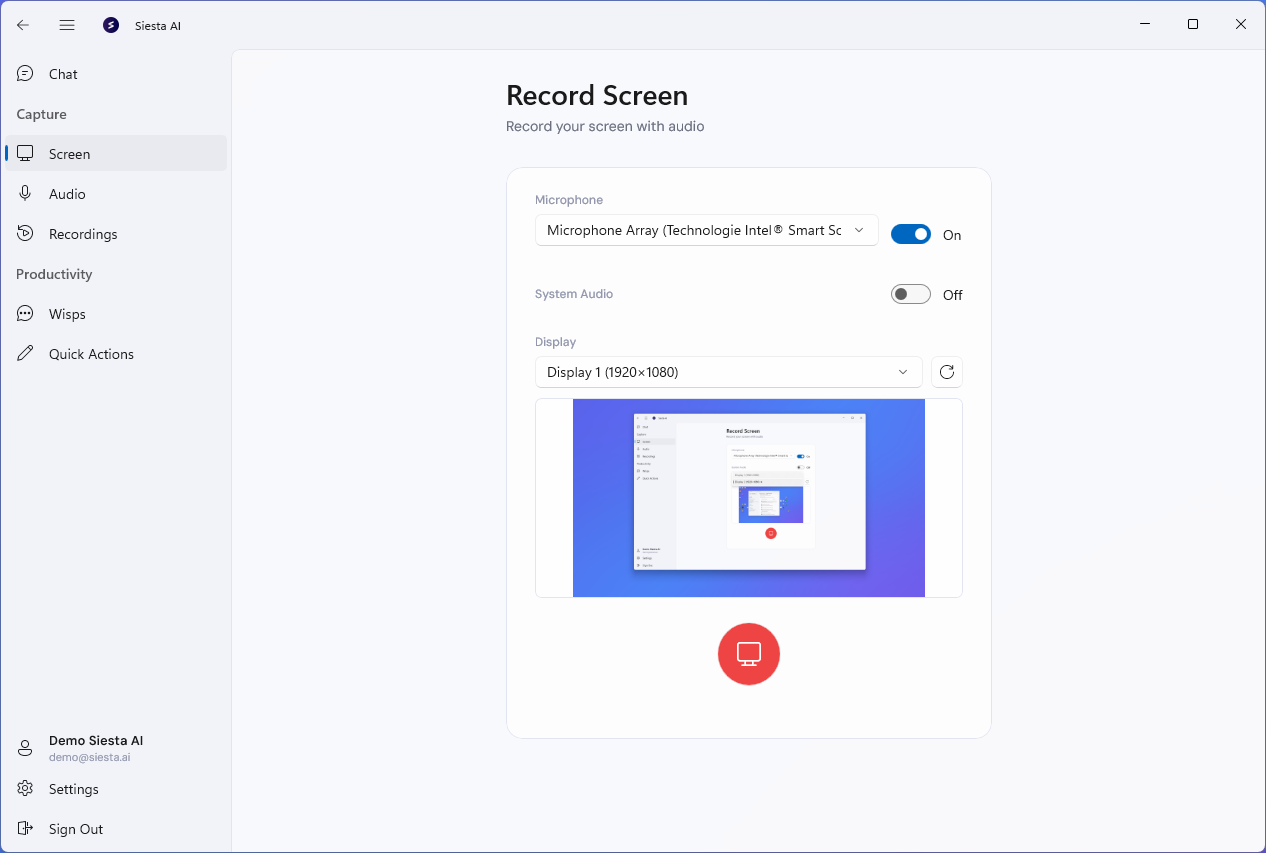
Open Screen, choose a display, turn the microphone and System Audio on or off, and start recording. The recording uploads while you record and is ready in Siesta AI as soon as you stop.
After stopping, open the recording in the web app, or create a share link. Public links are available only when your organization allows them; otherwise the link requires sign-in. Revoke access removes a link.
Press Ctrl+Alt+R from any application to open capture. With Instant Capture on Shortcut enabled in Settings, the shortcut starts and stops recording directly.
Audio Recording
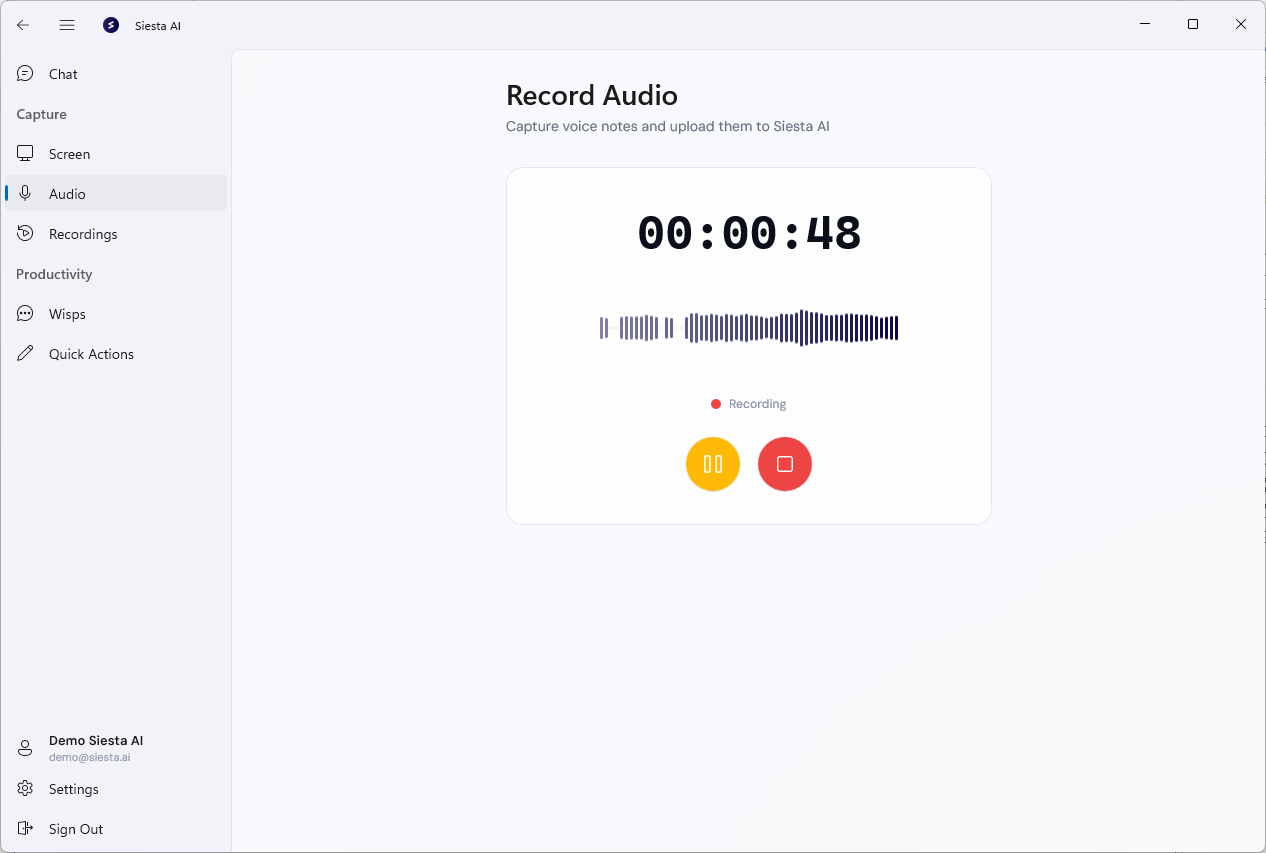
Open Audio to record voice notes and meetings with Start, Pause, Resume, and Stop. Name the recording, then upload it. Uploaded recordings are transcribed automatically and can be opened in the web app.
Recordings
Recordings lists your recent audio and screen recordings with duration and transcription status. Open one to read its transcript, copy it, open the recording in the web app, or delete it.
Wisps
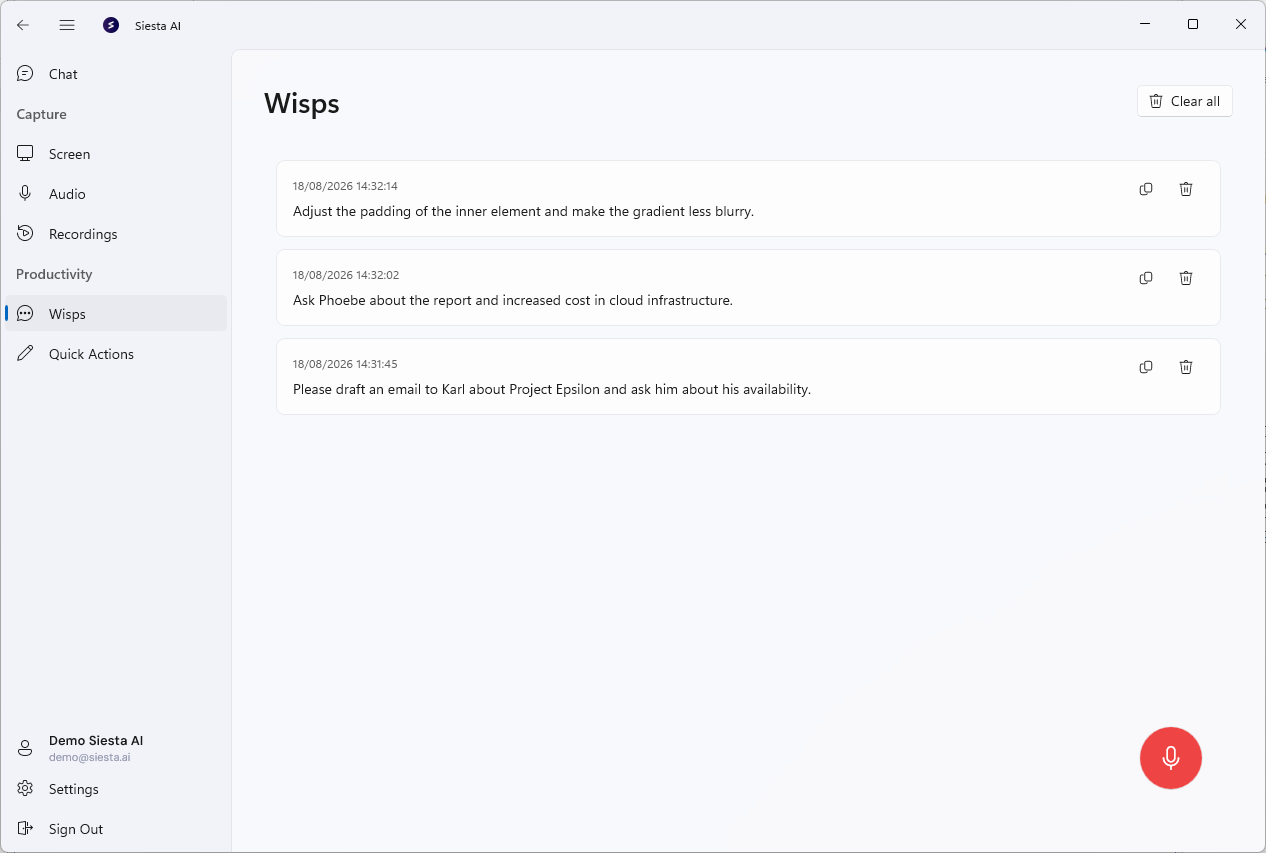
Wisps turn short speech into text from the app or through the configured global push-to-talk shortcut. When transcription finishes, the text is copied to the clipboard so you can paste it into the application that is already in the foreground. Confirm the configured shortcut in Settings instead of assuming a default value.
The Wisps page keeps a local history where you can copy or delete earlier Wisps.
Quick Actions
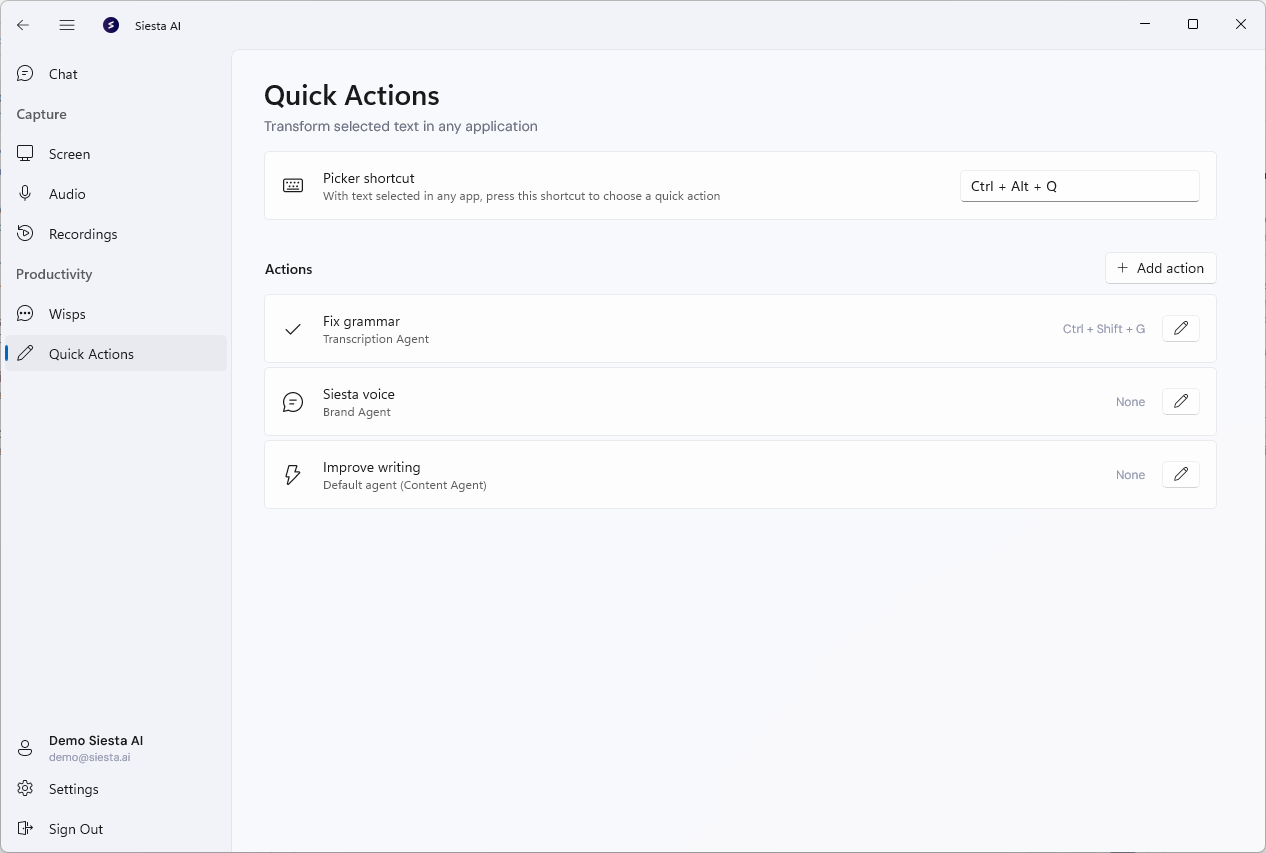
Quick Actions transform selected text in another Windows application.
- Select the text you want to change.
- Press
Ctrl+Alt+Qand choose Fix grammar, Brand voice, or Improve writing. - Review the result in the original application. If Siesta AI cannot paste it back, the result remains on the clipboard for you to paste with
Ctrl+V.
Open Quick Actions in Siesta AI to see or change the picker shortcut. You can also edit an action's agent and result behavior, assign an optional dedicated shortcut, or add an approved custom action.
Tasks and Local Agents
The Tasks workspace can filter work by workspace, status, and search text. A Todo task can be started with an installed local agent, and the client then shows the local run as Running, Queued, or Stopped.
Execution support depends on the local agent:
- OpenCode can execute task prompts locally.
- Antigravity can execute through its bundled Python bridge when configured.
- GitHub Copilot can be checked for installation and sign-in state, but Windows task execution is not implemented for it in this release.
Use Settings > Local Agents to confirm whether each CLI is missing, installed, or verified. Configure a working directory for OpenCode, Antigravity, and Copilot. Enter an Antigravity API key only in the app, never in documentation or task prompts.
What You Can Configure
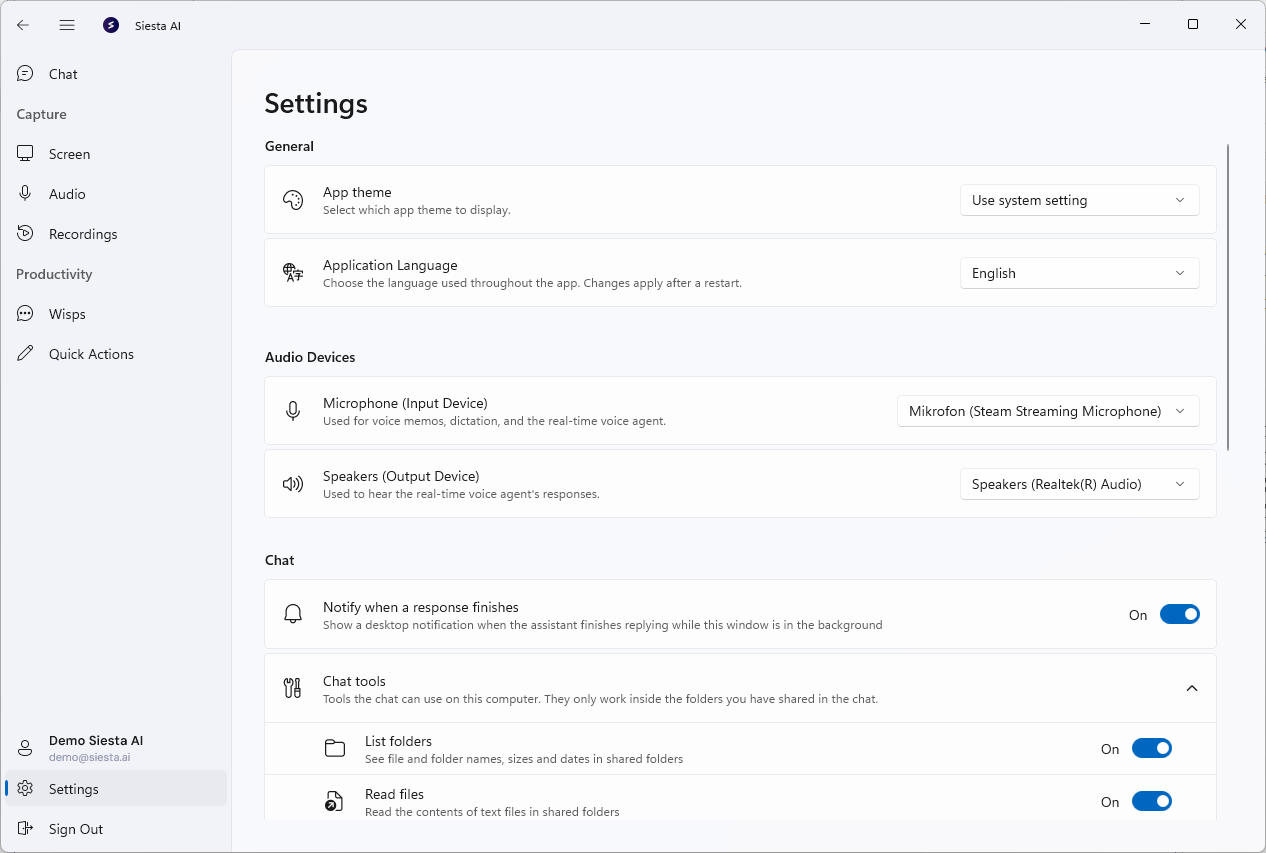
Open Settings to configure:
- General: app theme and application language (English, Czech, German, Spanish, French, or Italian).
- Audio Devices: microphone and speaker.
- Screen Capture: the capture shortcut and instant capture.
- Wisps: the dictation shortcut, push-to-talk, dictation language, and the position of the recording widget.
- Quick Actions: the picker shortcut, available actions, action-specific shortcuts, agents, and result behavior.
- Local Agents: working directories for OpenCode, Antigravity, and GitHub Copilot; the Antigravity API key; and installation or verification status.
- Enterprise: connection to a private Siesta AI deployment.
- About: the installed version and, in Microsoft Store installations, Check for updates.
Sign In
Sign in with email and password, Google, or Microsoft. To use a private Siesta AI deployment, select Enterprise Link on the sign-in screen and import the configuration file from your administrator. The app restarts and signs in against that deployment.
Administrators register the Windows App callback and tenant parameters in Microsoft Entra ID for private Microsoft sign-in.
Availability and Current Limits
- Available from the Microsoft Store and as a standalone installer. Both require the Microsoft .NET Desktop Runtime 10.0 (x64).
- Dictation, Wisps, and transcripts require a voice transcription connection configured for the organization.
- Enabling an agent for the Desktop App under Agents > Interfaces controls its desktop visibility, but it does not expose Chat in a Windows release where Chat is hidden from navigation.
- Quick Actions require selectable text and a target application that accepts keyboard copy and paste. If automatic replacement is blocked, Siesta AI leaves the result on the clipboard.
- Chat and Stream have implementation code but are hidden from Windows navigation in the current distributed boundary. Do not document them as standard Windows workflows.
- GitHub Copilot installation and sign-in detection are available, but task execution through Copilot is not.
- Realtime voice agents are not available in the Windows App.
- Closing the window keeps Siesta AI running in the system tray. Use Quit from the tray menu to exit.
Feature Comparison
| Feature | Windows | macOS |
|---|---|---|
| Screen capture and system audio | Available | Available |
| Audio recording and upload | Available | Available |
| Recording list, detail, transcript, and deletion | Available | Available |
| Wisps | Push-to-talk, clipboard, and local history | Typed and spoken notes, toggle or push-to-talk, and local history |
| OpenCode task execution | Local execution | ACP execution in a trusted project |
| Antigravity task execution | Bundled Python bridge | Bundled Python bridge in a trusted project |
| GitHub Copilot | Installation and sign-in detection only | ACP execution when its CLI exposes ACP and is signed in |
| Quick Actions | Picker shortcut and optional action-specific shortcuts | Available through the macOS Services menu |
| Chat and realtime voice | Hidden from navigation | Build- or activation-dependent; not in the main sidebar |