Help
The Help tab serves as a central hub for support and information within the Siesta AI application. Users can find direct access to documentation, API guides, system status information, a bug reporting form, and contact options for the Siesta AI team.
The help center acts as a central portal for all user support and documentation. It contains links to the official user documentation as well as detailed reference materials for the API, a collection of blog posts, and the current service status. Additionally, it provides quick access to a live chat interface for contacting the support team and the option to schedule calls or video conferences with specialists. All resources are grouped so that users have one place for self-study and immediate resolution of inquiries.
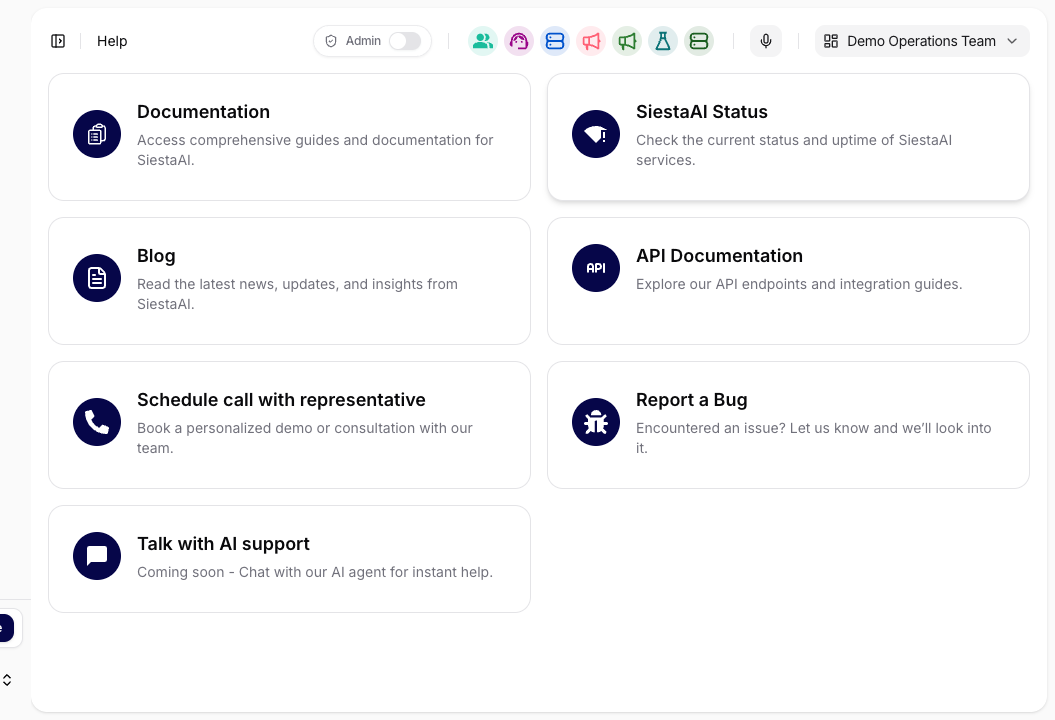
Available Items
Documentation
Provides access to comprehensive guides and official documentation for the Siesta AI platform. Upon clicking, the user is redirected to the documentation portal, where they can find user manuals, detailed feature descriptions, and recommended practices for working with the system.
SiestaAI Status
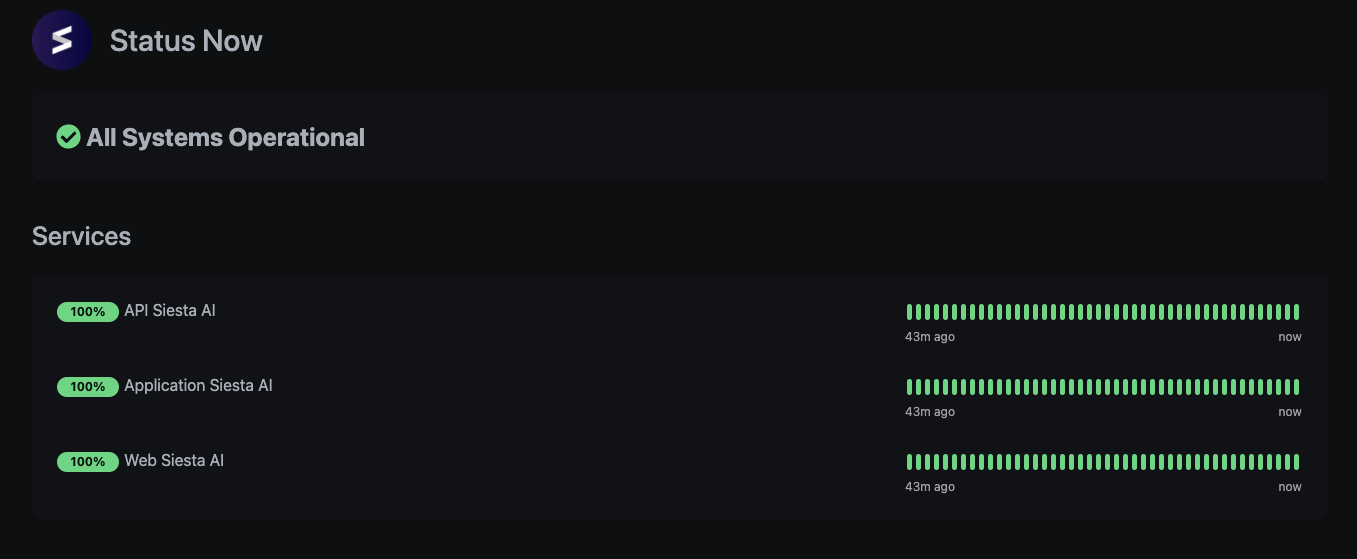
Used to check the current status and availability of Siesta AI services. The link leads to a public status page where the overall system status, availability of individual services (API, application, web), and their operational history are displayed.
Blog
Contains the latest news, product updates, and announcements regarding the development of the Siesta AI platform. Upon opening, the user is redirected to the official Siesta AI blog.
API Documentation
Intended for developers and technical users who integrate Siesta AI using the API. The link leads to the API documentation with an overview of endpoints, authentication descriptions, and integration guides.
Schedule a Call with a Representative
Allows users to book a demo or consultation with the Siesta AI team. Upon clicking, a booking page opens for arranging a call with a sales or technical representative.
Report a Bug
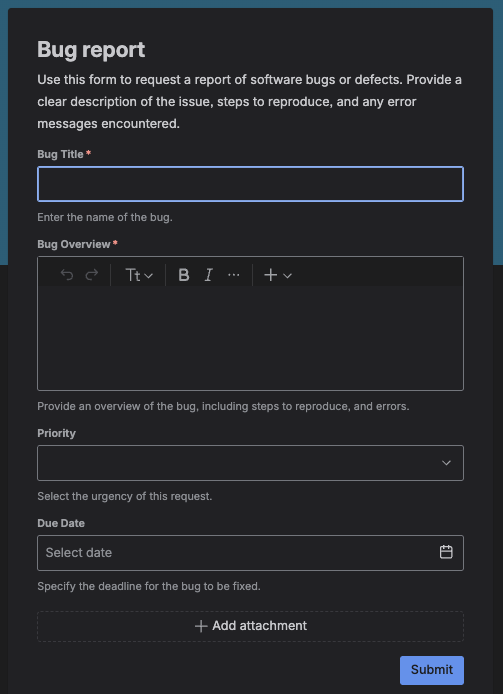
Used to report bugs, technical issues, or unexpected behavior of the application. The link opens a bug report form where users can enter the bug title, detailed problem description, steps to reproduce, priority, deadline, and attach files.
Talk to AI Support
A feature in development that will allow direct communication with an AI agent for immediate support in the future. It is not yet available in the current version of the application.
Typical Use
The Help tab is primarily used for quick access to information, verifying service availability, resolving technical issues, working with the API, and contacting support or sales teams.
Summary
The Help section in Siesta AI functions as a central point for support and orientation within the system. It allows users to quickly access the right source of information without needing to leave the application.