Profile
The Profile section is used to manage your personal account information, linked login providers, and account security. Opening /internal/profile redirects to the Account tab.
Current tabs:
- Account
- Security
- Apps & Extensions, when the organization makes one or more app surfaces available
Account Information
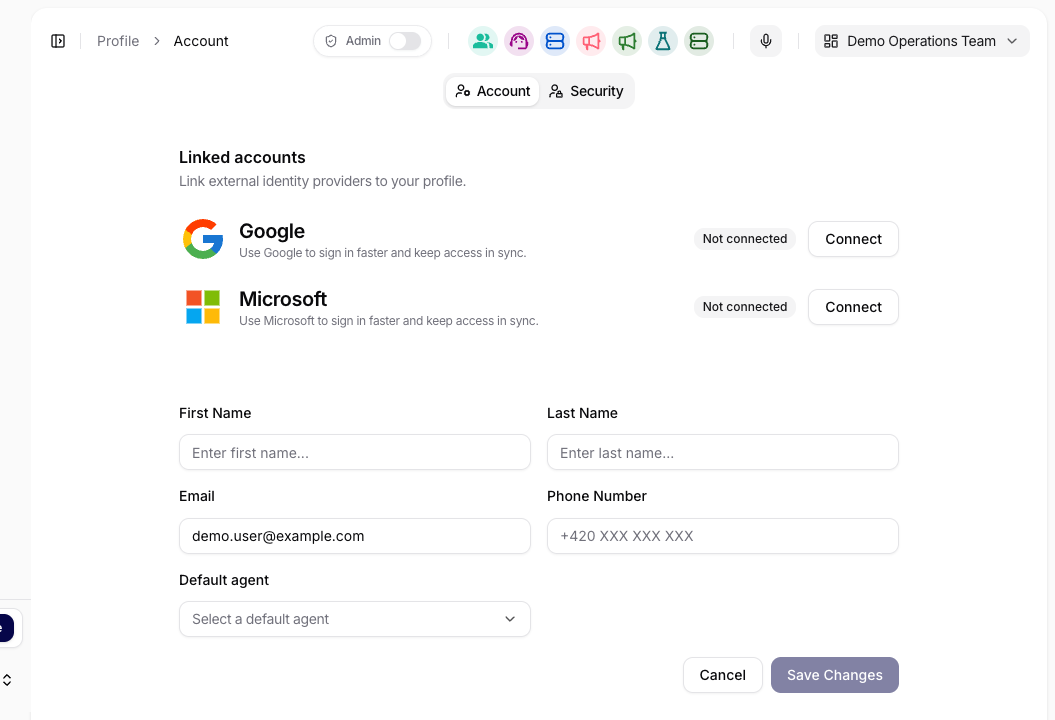
Use the Account tab to edit basic profile information:
- First Name and Last Name
- Email (login address)
- Phone Number
You can save changes by clicking the Save Changes button. If you want to discard the edits, use Cancel.
Linked Accounts
The Linked Accounts section shows which external login providers are connected to the account, such as Google or Microsoft. Connected providers can be linked or unlinked from this tab.
Security
Use the Security tab for actions that affect account access.
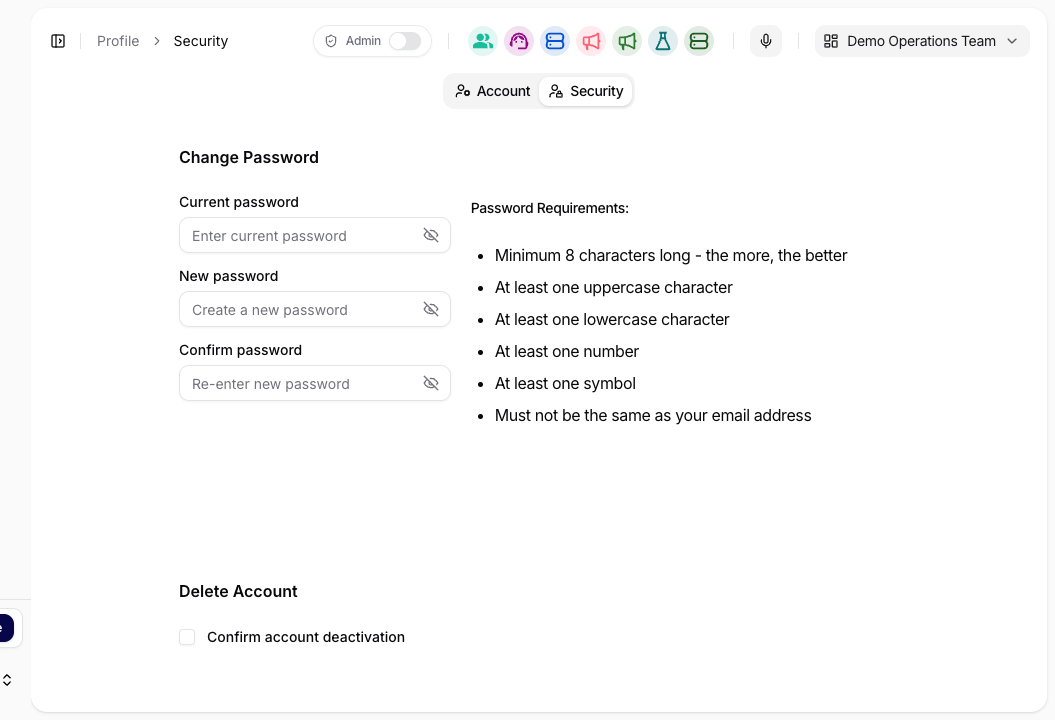
Change Password
The Change Password section requires:
- Current Password
- New Password
- Confirm Password
On the right is an overview of the password requirements that need to be met (e.g., at least 8 characters, at least one lowercase letter, and at least one number/symbol/space).
Delete Account
To deactivate the account, you must check Confirm Account Deactivation and then confirm by clicking the Deactivate Account button.
This action affects your own user account. Organization-level user lifecycle and admin actions are managed from Users.
Apps & Extensions
Use Apps & Extensions to find the mobile, browser, desktop, and MCP surfaces that your organization has made available. The visible cards depend on organization settings.
The MCP Server card provides three client setup methods:
- HTTP + API key for clients configured with an API key and organization ID;
- OAuth for compatible clients that open Siesta AI for user sign-in and consent;
- npx (fallback) for clients that cannot connect directly over HTTP.
Use the generated configuration from this tab instead of reconstructing endpoints or headers manually. For the complete OAuth consent, deny, return, and retry flow, see Connect Siesta AI to an MCP client.
Private deployments use a versioned enterprise client configuration for the app surfaces enabled by the organization. See Enterprise Client Configuration for the schema, QR/import behavior, and validation rules.