Workspace Artifacts
Open Artifacts to search, preview, download, upload, and manage workspace files. You can upload multiple files, up to 200 MB per file. Uploading requires workspace edit permission and write access; removal requires workspace delete permission and write access. Removing a file detaches its workspace assignment. A file still linked to a conversation or another workspace remains available there.
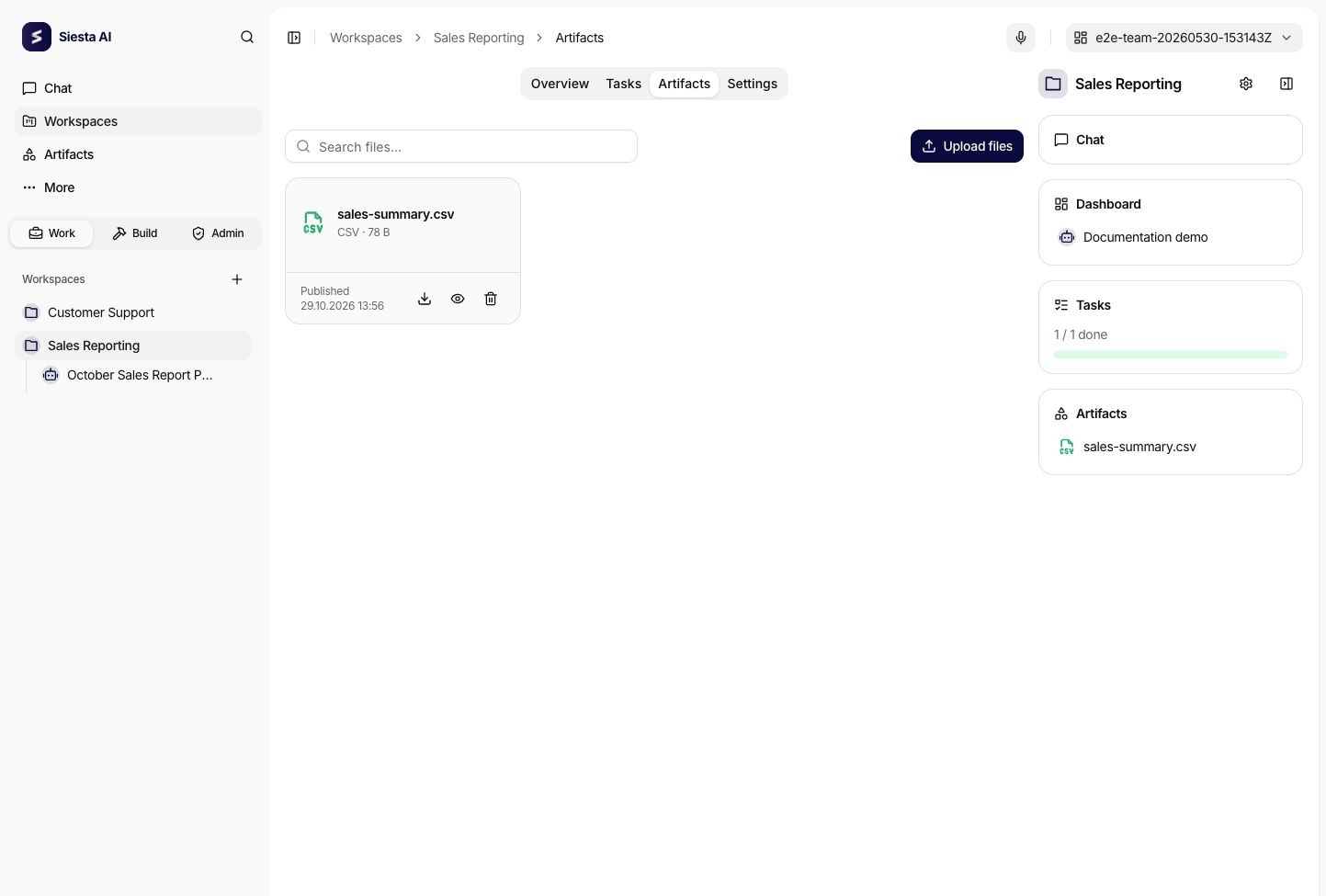
New output artifacts saved in a signed-in workspace conversation are automatically added to that workspace when your permissions and write access allow publication. This includes assistant outputs and outputs of successful tool calls. If workspace publication fails, the generated file stays in the conversation and a warning asks you to check write access or retry publication.
Chat attachments are inputs and are not automatically added as workspace artifacts. The Sandbox also has a separate disk for each conversation. A file only on that disk is not yet an artifact: the agent must first call publishFiles. Once the output is saved in a workspace conversation, automatic workspace publication can attach it without a second explicit tool call.
For an eligible ordinary conversation outside workspace chat, an assigned agent can explicitly publish an existing conversation artifact to its workspace. See publication details. Reattaching the same artifact reuses its workspace assignment; editing a sandbox file requires publishing a new output and does not overwrite an earlier artifact.
The global Artifacts catalog finds files across accessible conversations and workspaces. Upload and removal are available inside a workspace.