Api Keys
Use Api Keys when an external system needs to call Siesta AI without an interactive user login. Typical examples include backend integrations, scheduled jobs, and internal services that use the external API.
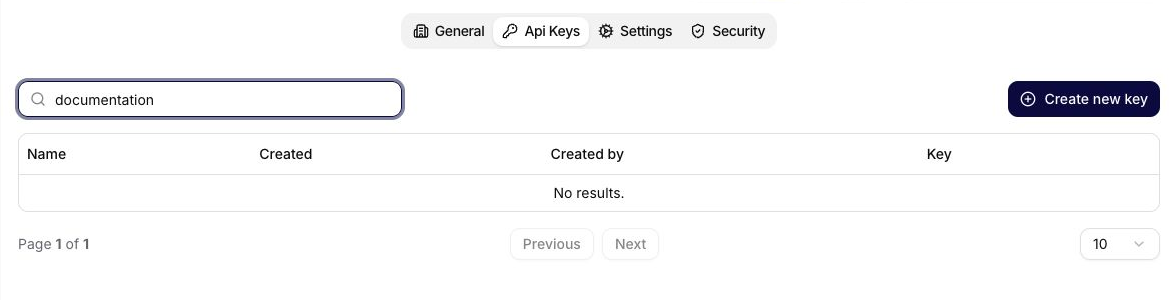
An API key belongs to the organization and records the user who created it. The table lets administrators:
- search keys by name,
- create a named key,
- review its creation time and creator,
- reveal or copy its value when configuring an integration,
- delete a key that is no longer needed.
For requests to the external API, send the API key together with the organization ID:
X-Api-Key: <api-key-value>
X-Org-Id: <organization-id>
Keep API keys out of prompts, public documentation, screenshots, frontend code, and shared messages. Store them in the calling system’s secret manager or environment variables. If a key is exposed, create a replacement, update the integration, and delete the old key.
Use names that identify the system, environment, and purpose, for example:
- crm-prod-sync
- datawarehouse-dev-import
- webhooks-prod-dispatch