Troubleshoot Common Problems
Find the first failing layer—prompt, source, connection, permission, approval, or tool execution—and report it with enough evidence to resolve.
Before You Start
- Keep the failed conversation open.
- Do not repeat a write, send, or delete action until you know whether it already ran.
- Record names and statuses, but never copy credentials or sensitive content into a screenshot.
Follow The Steps
Check The Prompt
If the output is vague or wrong, check whether the request names the goal, source, constraints, and expected format. Correct the missing requirement once.
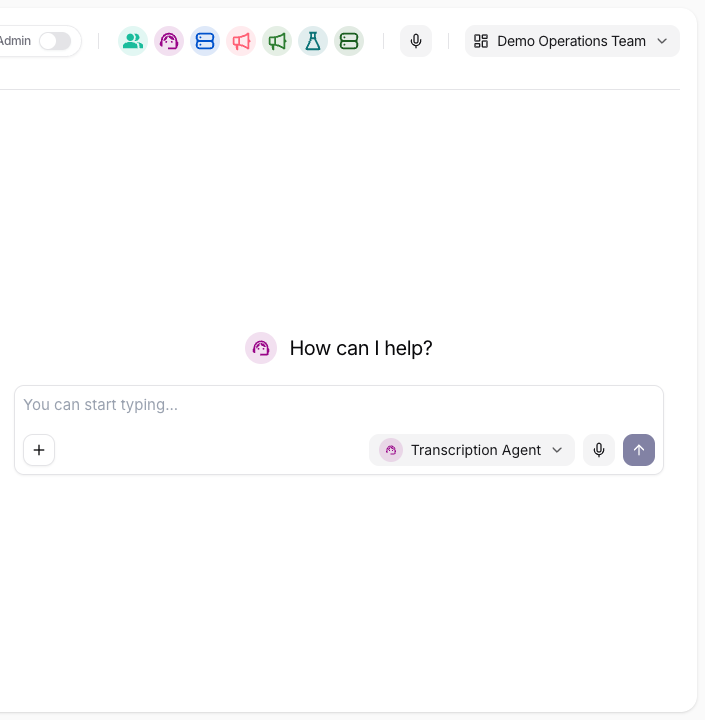
Confirm the selected agent, source, outcome, and output format before retrying. Check The Source
If the agent cannot find a fact, check the collection, source, file, processing status, and agent assignment. Name the collection explicitly in the next request.
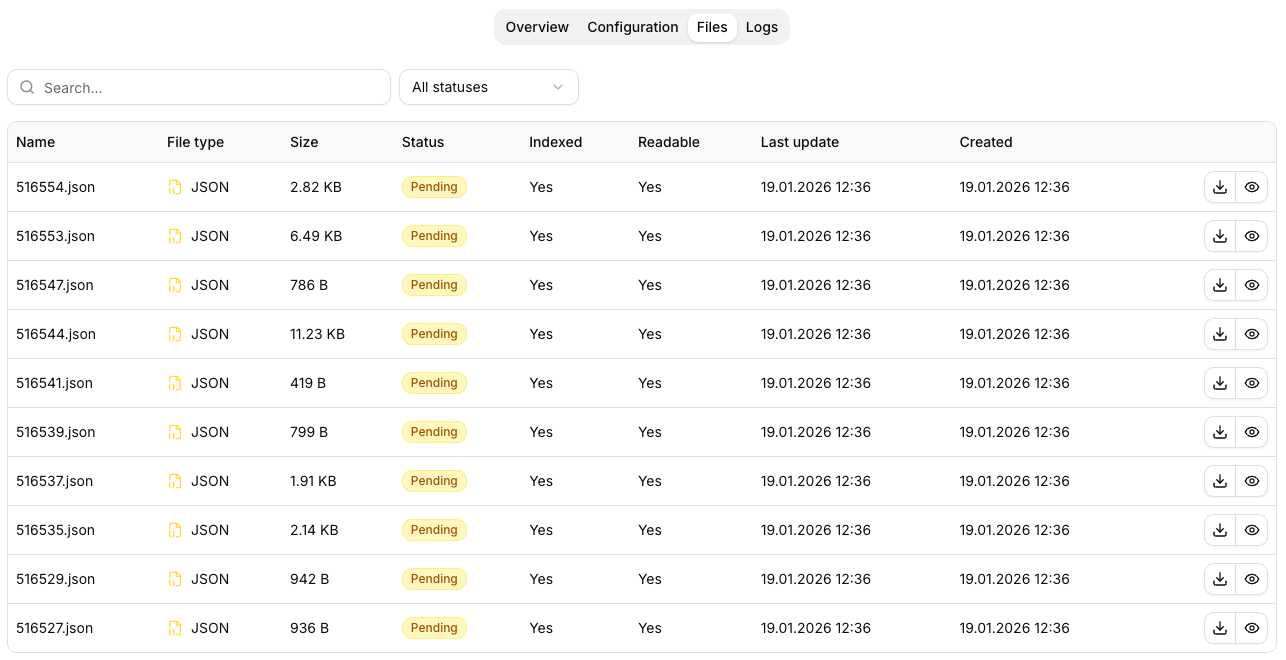
Verify that the expected document exists, finished processing, and is readable. Check Connection, Permission, And Approval
Confirm the connection name, account, external workspace, function policy, and your access. Resolve a pending approval before calling the tool again.
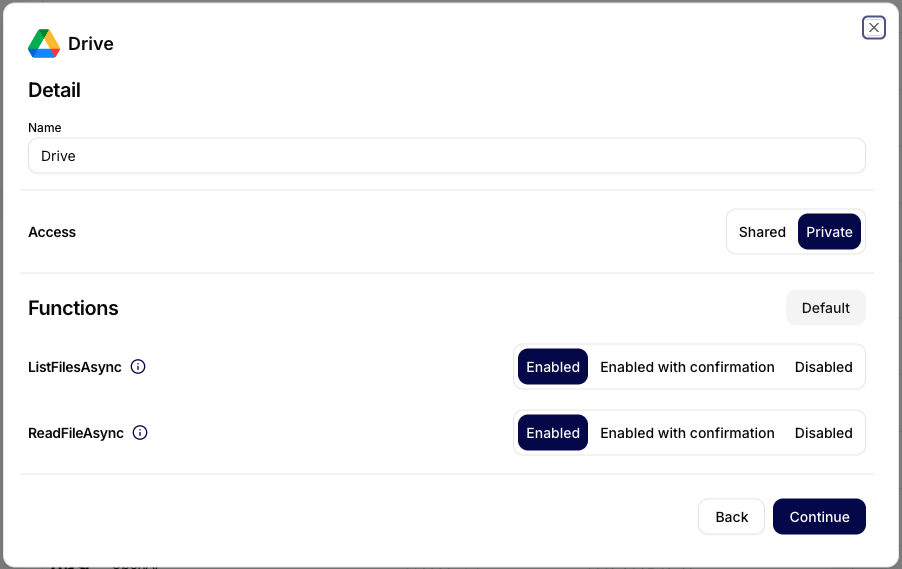
A function may be unavailable, waiting for approval, or blocked by the connected account. Inspect Tool Executions
Record the function, status, arguments, approval state, result, error, and time. Check the external system before deciding whether a retry is safe.
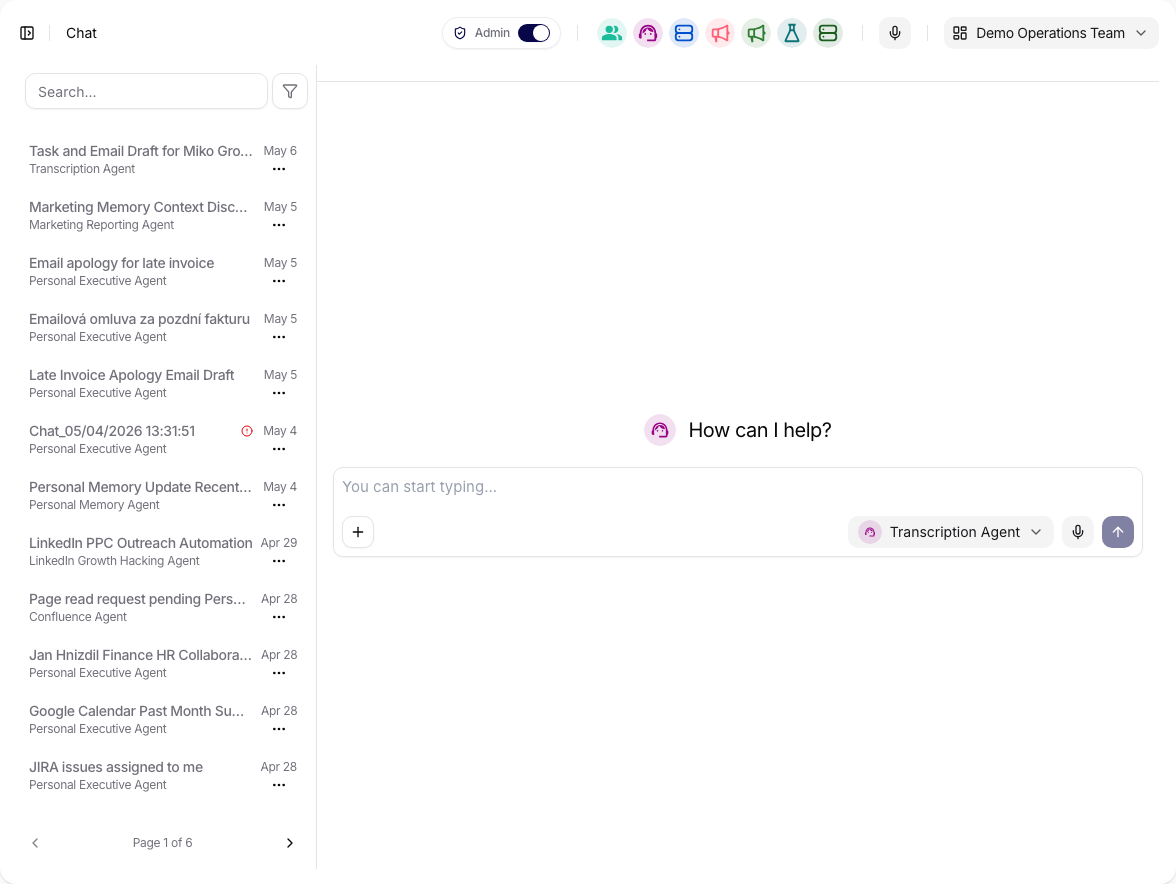
Open the originating conversation and follow the action into Tool Executions.
Try It
Retry using the Customer Onboarding collection only. If the answer is missing,
write “not found” and list the required source. Do not run an external action.
Check The Result
You should be able to name one failing layer and one next action. If you cannot, stop retrying and escalate with the evidence below.
Send This To An Admin Or Support
- Organization and team name.
- Agent name and conversation link.
- Expected result and observed result.
- Collection, source, Memory page, or connection name.
- Tool function, status, approval state, timestamp, and exact error.
- Whether the external record was created or changed.
- A sanitized screenshot only when the visible page state matters.
Use the Help page for the available support channel. Never send passwords, tokens, API keys, or unrelated customer data.