An agent is an AI assistant with saved instructions, sources, and tools. It can draft replies, answer from company documents, work in connected apps, or create images and files when the required capabilities are enabled.
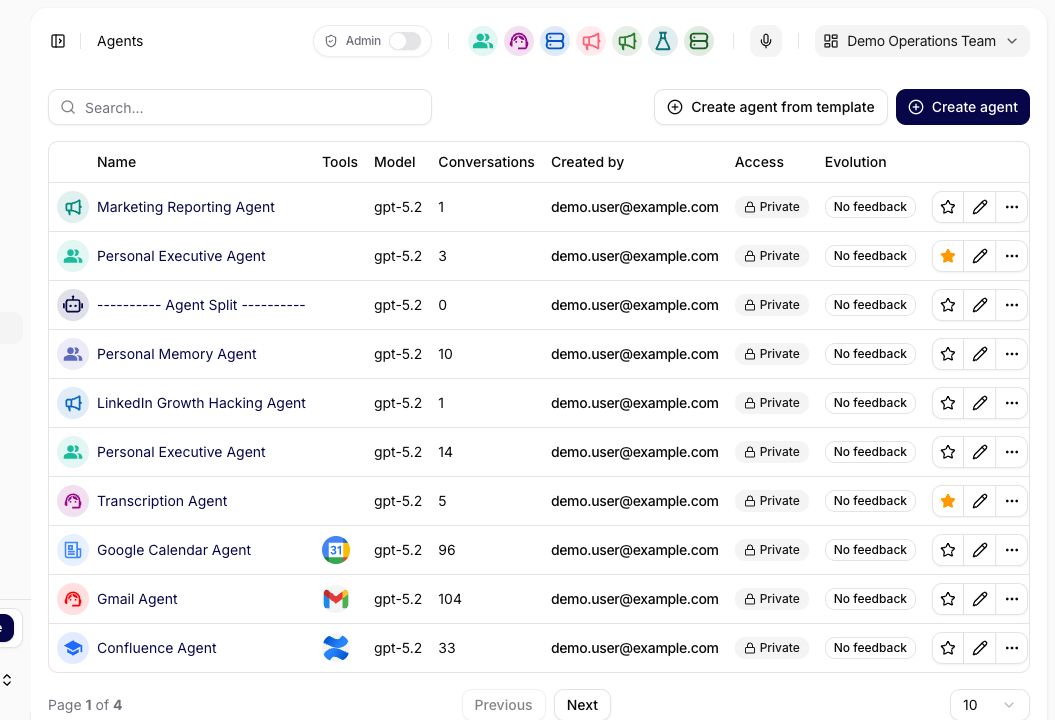
This guide uses a customer reply assistant as an example. Start in Agents; the Configuration reference explains each setting in detail.
For the difference between an agent, a skill, and a tool, see the Dictionary.
Choose one job for the agent, such as drafting customer replies from your support documents.
Prepare a source collection and one sample question whose answer you can check.
You need permission to edit the agent. If you can only use a shared agent, ask its owner to change the setup. In a private deployment, an Owner or Administrator must create new agents.
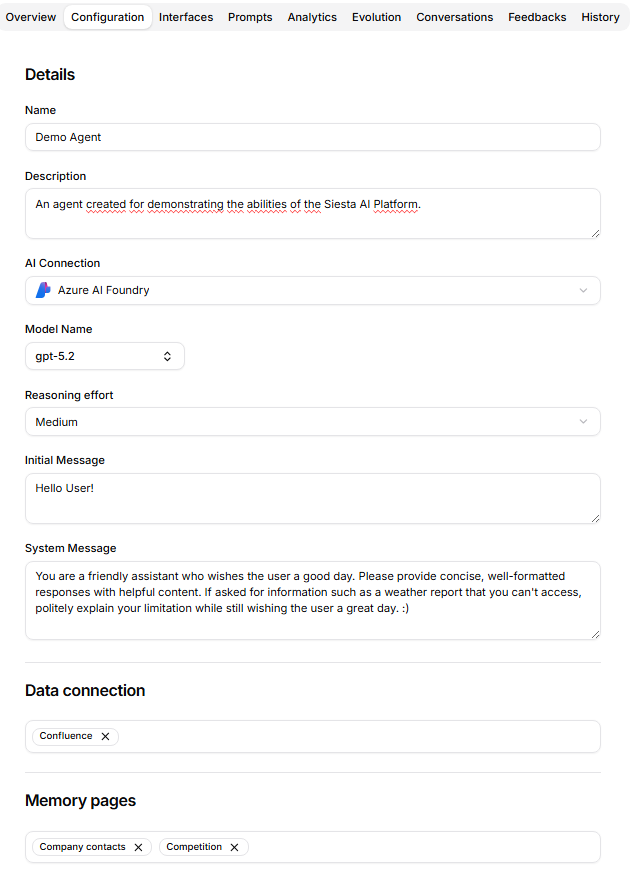
Give Name a clear label, such as “Customer Reply Assistant”, and use Description to explain its purpose. Choose an available AI Connection and Model Name. After changing the connection, check the model again. Start with the existing reasoning and model settings; adjust them after testing.
In System Message, describe the job, sources, tone, output, and what to do when information is missing. For this example, use:
You help the support team draft customer replies.
Use the attached support collection and the customer's message.
Write a clear, friendly reply of no more than 120 words.
Include a separate source note for the reviewer.
If the source does not answer the question, say what is missing.
Return a draft for a person to review and send.
Use Initial Message to help people begin, for example: “Paste the customer's message and tell me what the reply should cover.”
In Data connection, select the support collection. Add Memory pages for reusable context such as your team's writing style. Reading Memory and allowing Memory write are separate settings; enable writing only if maintaining those pages is part of the job.
Add other capabilities when the task needs them:
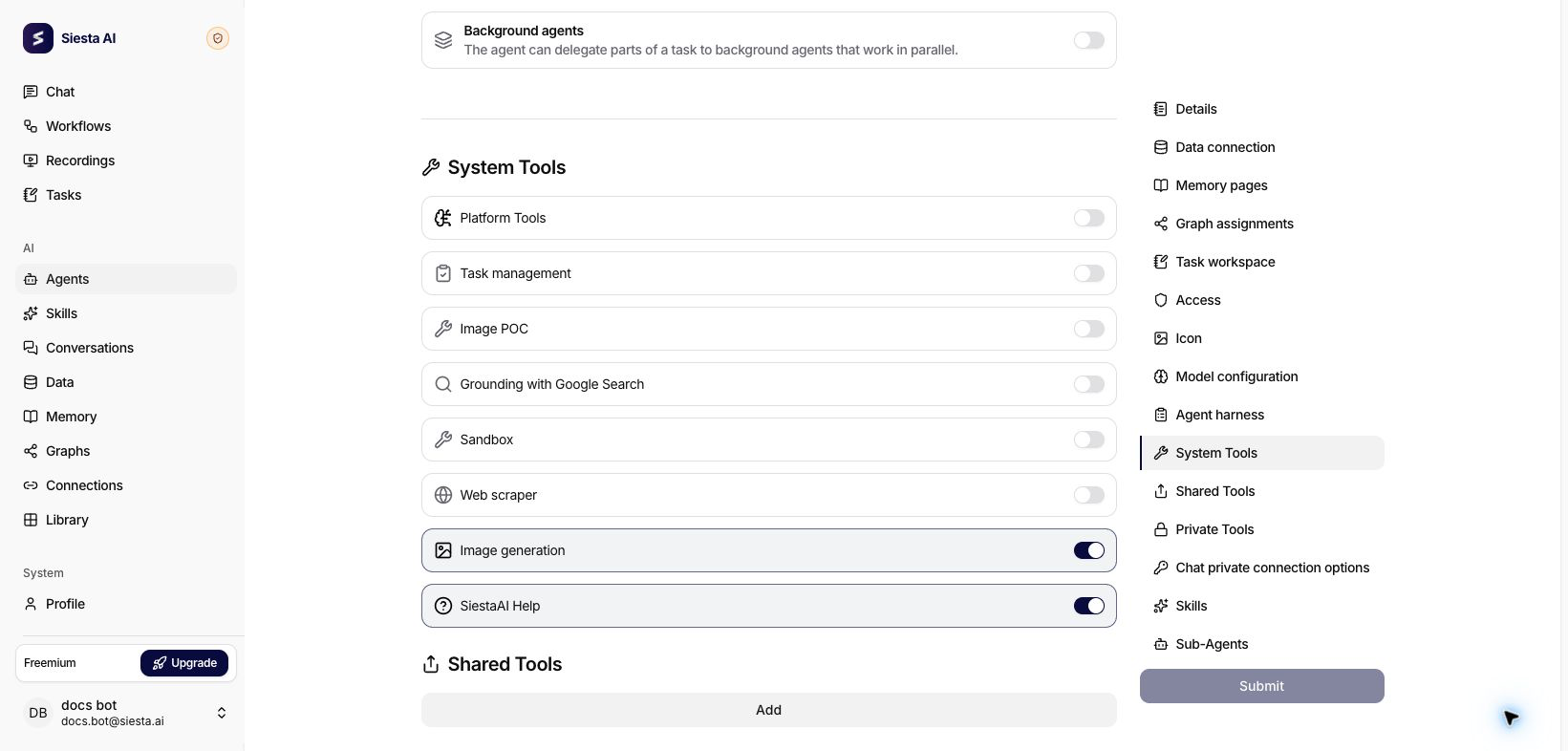
System Tools:Image generation creates images; Sandbox prepares files in an isolated workspace. These depend on availability in your environment, and image generation also needs a supported model. When enabling Sandbox, select an offered Base image. See image creation and downloadable files.
Shared Tools / Private Tools: connect actions in work apps. Chat private connection options lets chat users attach their own accounts of the allowed types.
Graph assignments: add structured entities and relationships when your work uses Graphs. Reading and writing are separate permissions; public agents cannot use these assignments.
Skills / Sub-Agents: assign reusable capabilities or specialist agents for more complex work.
For a short reply assistant, leave the Agent harness options off. For longer work, Planning mode asks for approval of a plan, Todo list tracks conversation progress, and Background agents allows supported delegation. Sub-Agent assignments still determine which agents can be called.
Set Access, when available to you, for the people who should use the agent. Its sources and tools must also be accessible; sharing an agent does not replace their permissions.
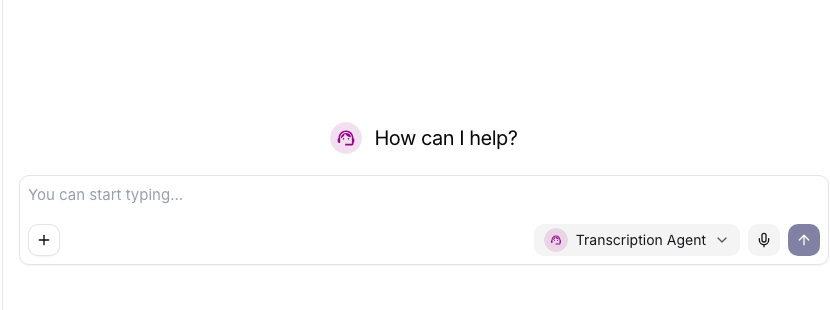
Select Submit, wait for the success message, and reload Configuration to check that the settings were saved. Start a New Chat and select your agent so the conversation uses the saved configuration.
Send the sample question below. For everyday work, provide the current message or file and the result you need; the saved System Message supplies the recurring instructions.
Check that the selector shows your configured agent before sending the test question.Platform guide: Chat
5
Check The Answer And Improve The Setup
Compare the answer with the source. Check the tone, length, source note, and any tool result. Also try a question the collection cannot answer: the agent should identify the missing information.
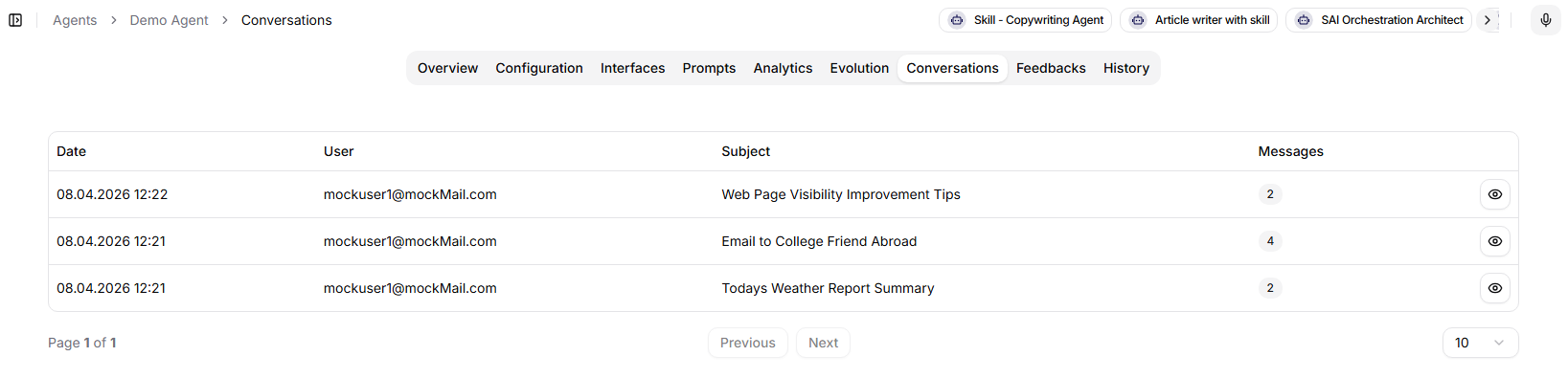
For a recurring problem, update System Message, the source assignment, or the required tool. Change one thing at a time, save it, and repeat the test in a new chat. Use Conversations to revisit earlier examples.
The reply should follow the saved instructions, match the source, and be ready for your review. Once the test works, use the same agent for similar requests without pasting its role and rules each time.
To make the agent available in the browser extension, Desktop App, Mobile App, or a web widget, review Interfaces. Availability also depends on organization settings and the user's access.