History
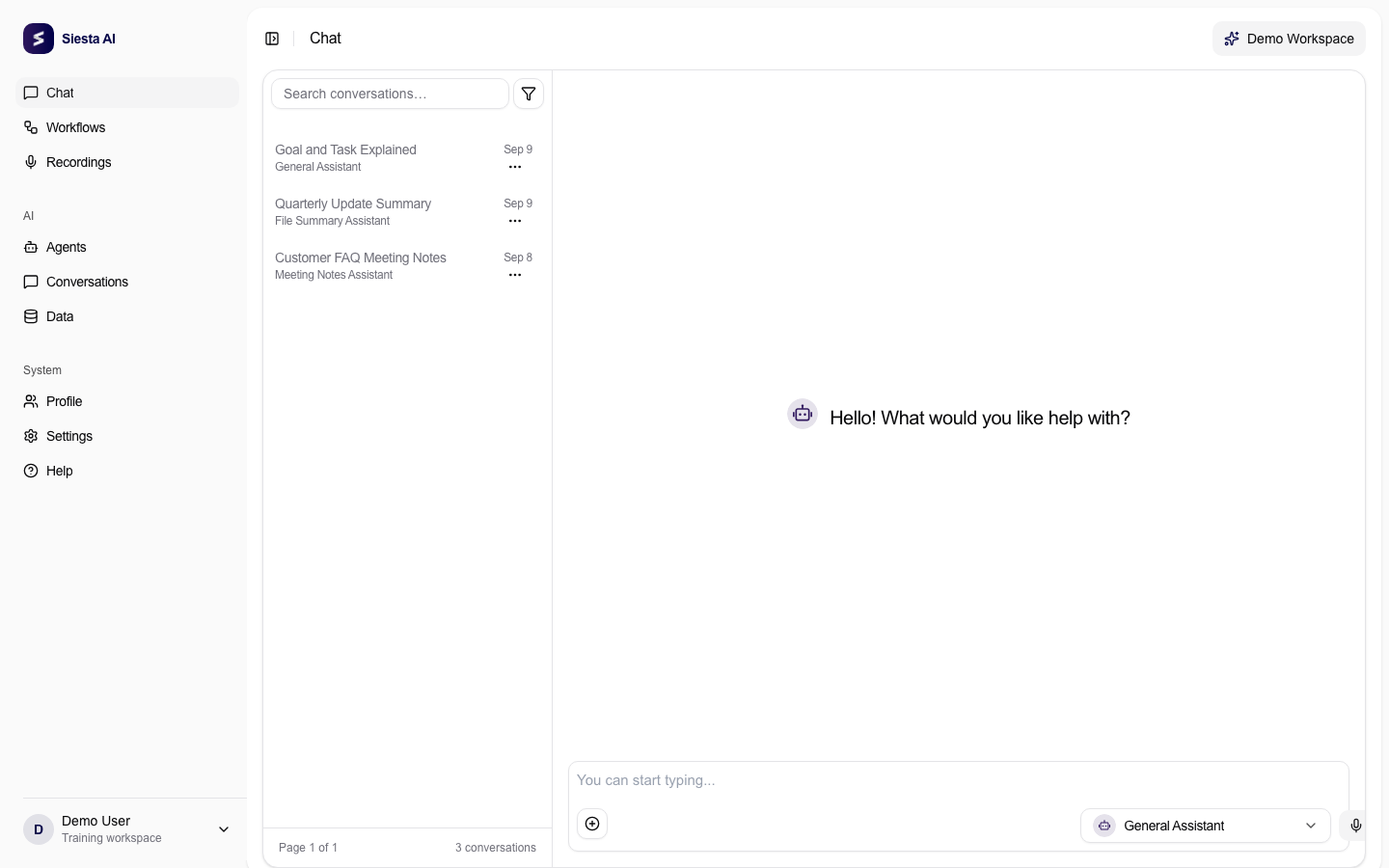
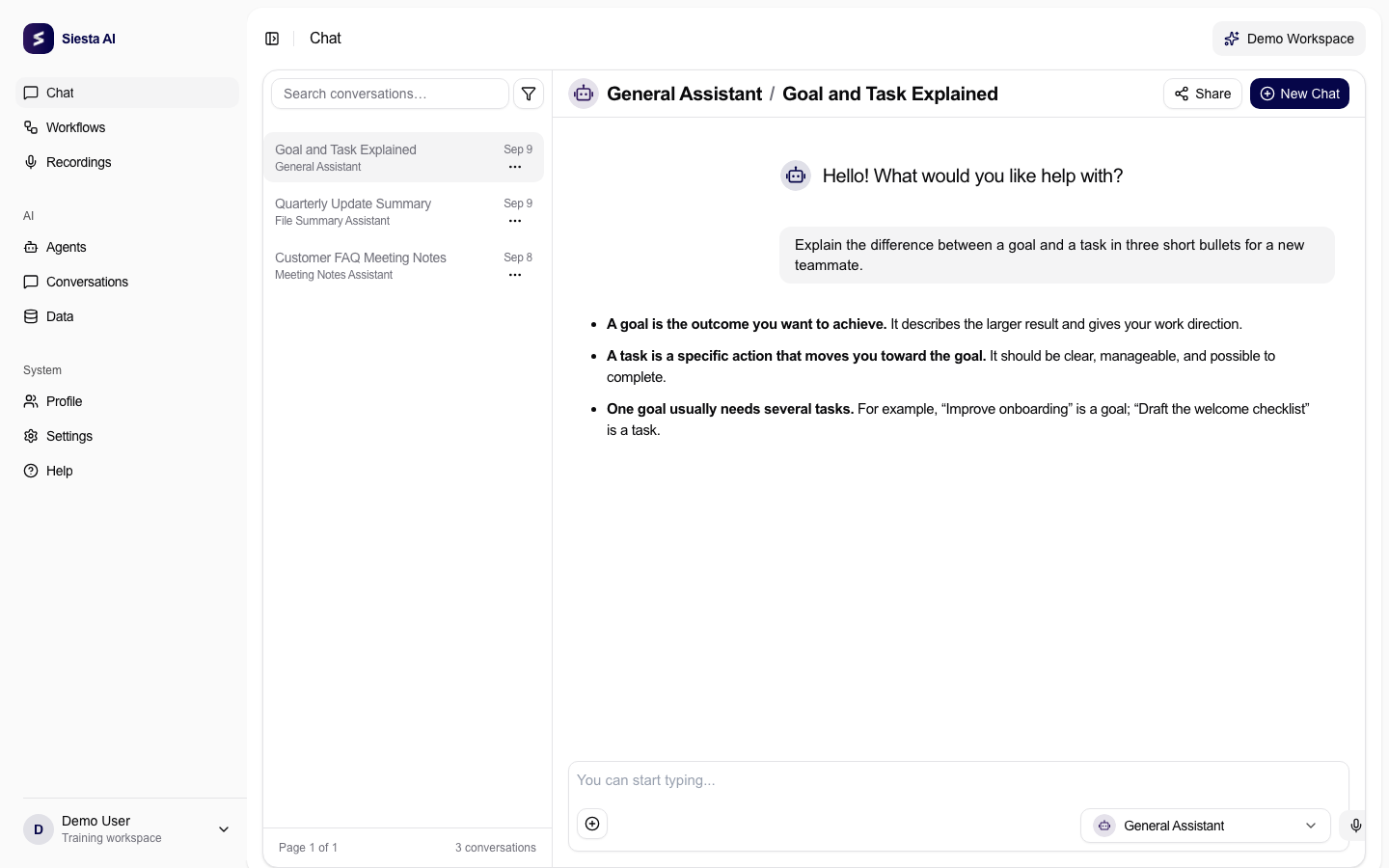
History helps you return to previous conversations and recordings. Use it to continue earlier work, recover context, inspect what an agent answered, or understand how a result was produced.
Reuse Previous Context
Open the previous conversation when the next request depends on earlier decisions, files, or outputs. Continuing the same thread usually works better than starting over with a vague summary.
In agent detail, admins and agent managers can also review the Conversations tab to inspect user interactions with that agent. This is useful when feedback says an answer was wrong but the prompt context matters.
Keep Work Organized
Use clear conversation titles when possible. For long-running work, keep separate conversations for separate goals so future context remains easy to find.
When to Start Fresh
Start a new conversation when the goal, data source, audience, or agent changes significantly. This prevents old context from influencing a new task.
Each conversation has a limited amount of context that the AI can consider at once. As a conversation grows, older messages, files, tool results, and side decisions compete for that context. Continuing one long thread can be useful for the same workstream, but it can also make answers less focused when the new request is really a different problem.
For a new problem, start fresh and give the agent only the context it needs: the goal, source material, constraints, desired format, and any important decisions. A smaller, cleaner context usually produces a more accurate answer than a long conversation filled with unrelated history.
Use this simple rule:
- Continue the same conversation when the next step depends on previous messages.
- Start a new conversation when the topic, customer, document, dataset, agent, or expected output changes.
- Link back to the old conversation or paste a short summary if only one decision from the old thread matters.
Recordings
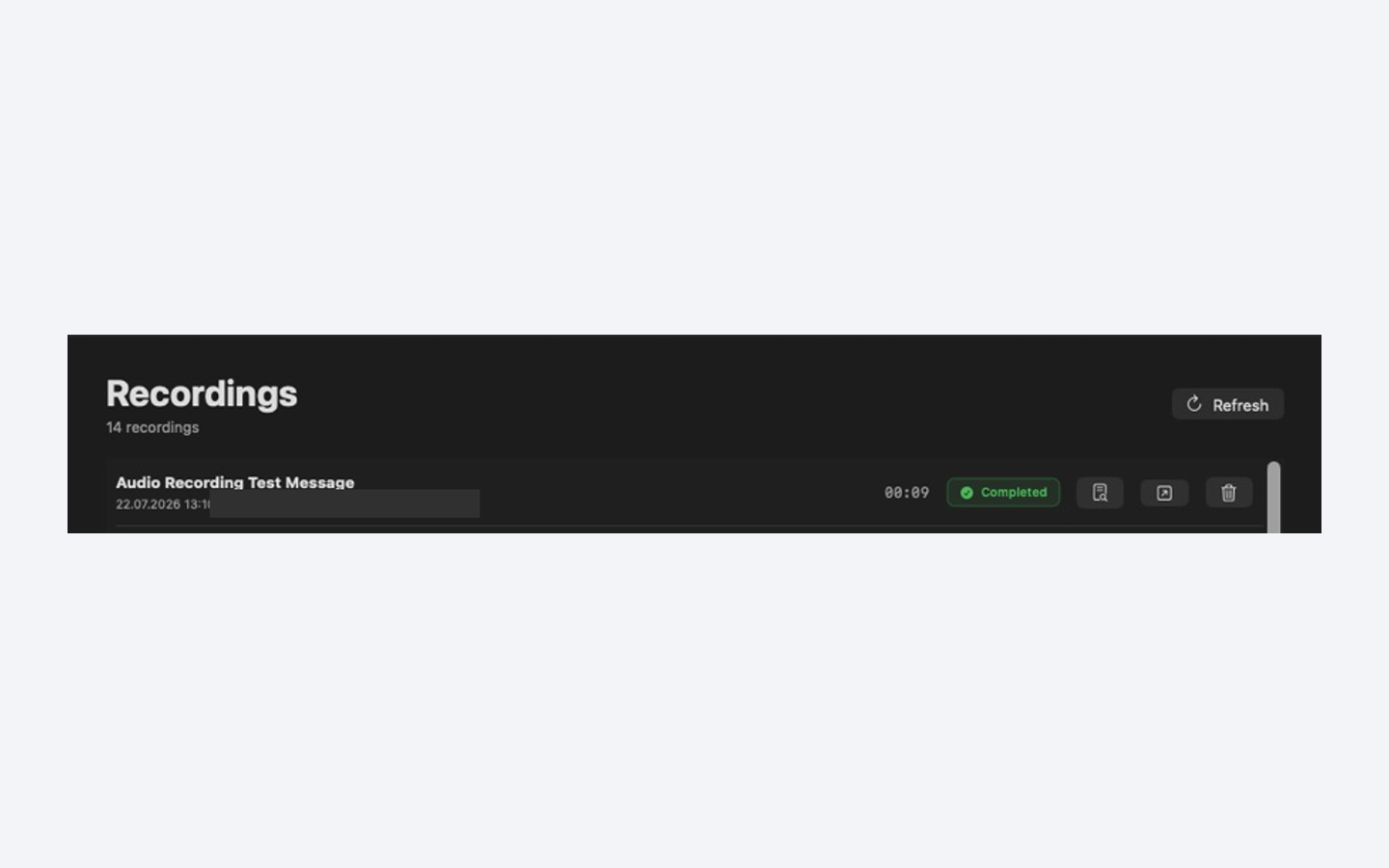
If your organization has Enable Recordings turned on in Organization > Settings, recordings can be used as an additional source of meeting or spoken context. If recordings are missing, ask an admin whether recordings are enabled for the organization and whether your team has access.
When using recorded context, ask for structured outputs such as decisions, action items, risks, owners, or follow-up tasks.
Conversation Recipes
Continue Previous Work
- Open the original conversation.
- Summarize what changed since the last message.
- Ask for the next concrete output.
- If the work should continue later, create a task from the conversation.
Example:
Continue from the decision list above.
Prepare the next customer email, but use the updated deadline: June 14.
Show the draft first.
Extract Tasks From A Recording
Ask for:
- decisions,
- action items,
- owners,
- deadlines,
- open questions,
- risks,
- follow-up messages.
Then turn the action items into tasks or a workflow if the same meeting type repeats.