Build a Repeatable Workflow
Run a prepared workflow with complete inputs and inspect the result or the exact step that failed.
See Workflows for the editor and runtime model and Webhooks for approved external triggers.
Before You Start
- Use a workflow only for a process with repeatable inputs and output.
- Know which sources, agents, tools, and approvals the workflow expects.
- Start with a low-risk example when the workflow can change another system.
Follow The Steps
Choose The Workflow
Open Workflows, find the prepared flow, and read its purpose before opening it.
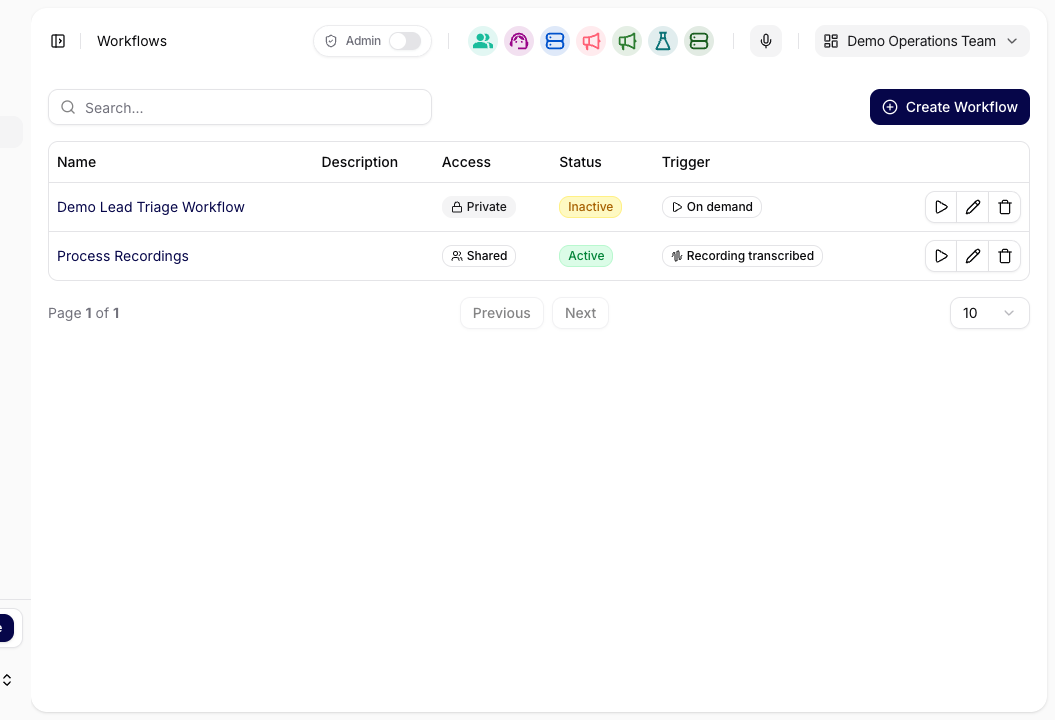
Select the workflow whose purpose matches the process you want to run. Complete The Inputs
Fill every required input. Confirm the source, destination, connected account, and any approval point before running the workflow.
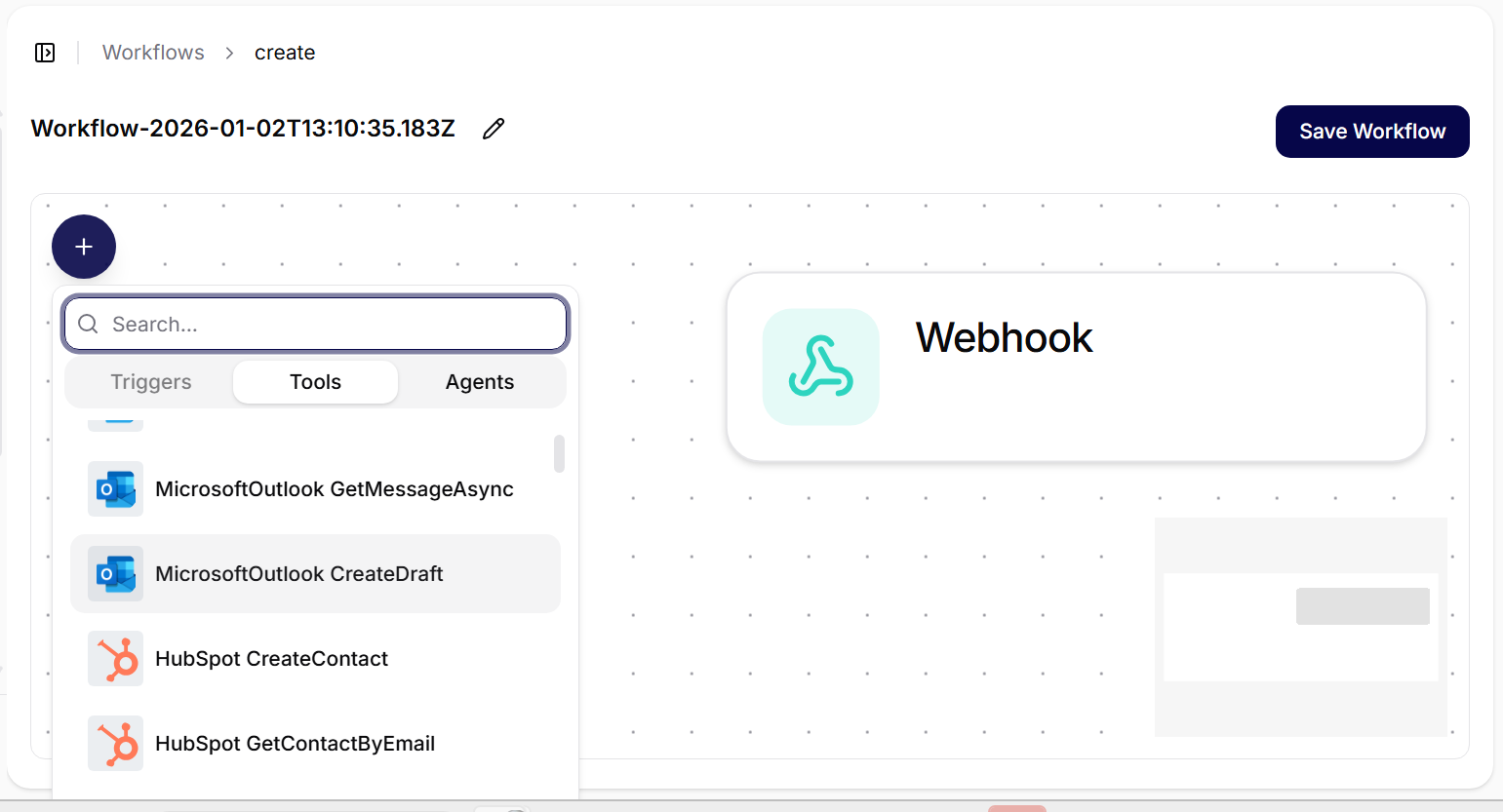
Check each required input and the connected tool or agent that will use it. Run The Workflow
Start the workflow and keep the page open until it reports completion, a pending approval, or a failure.
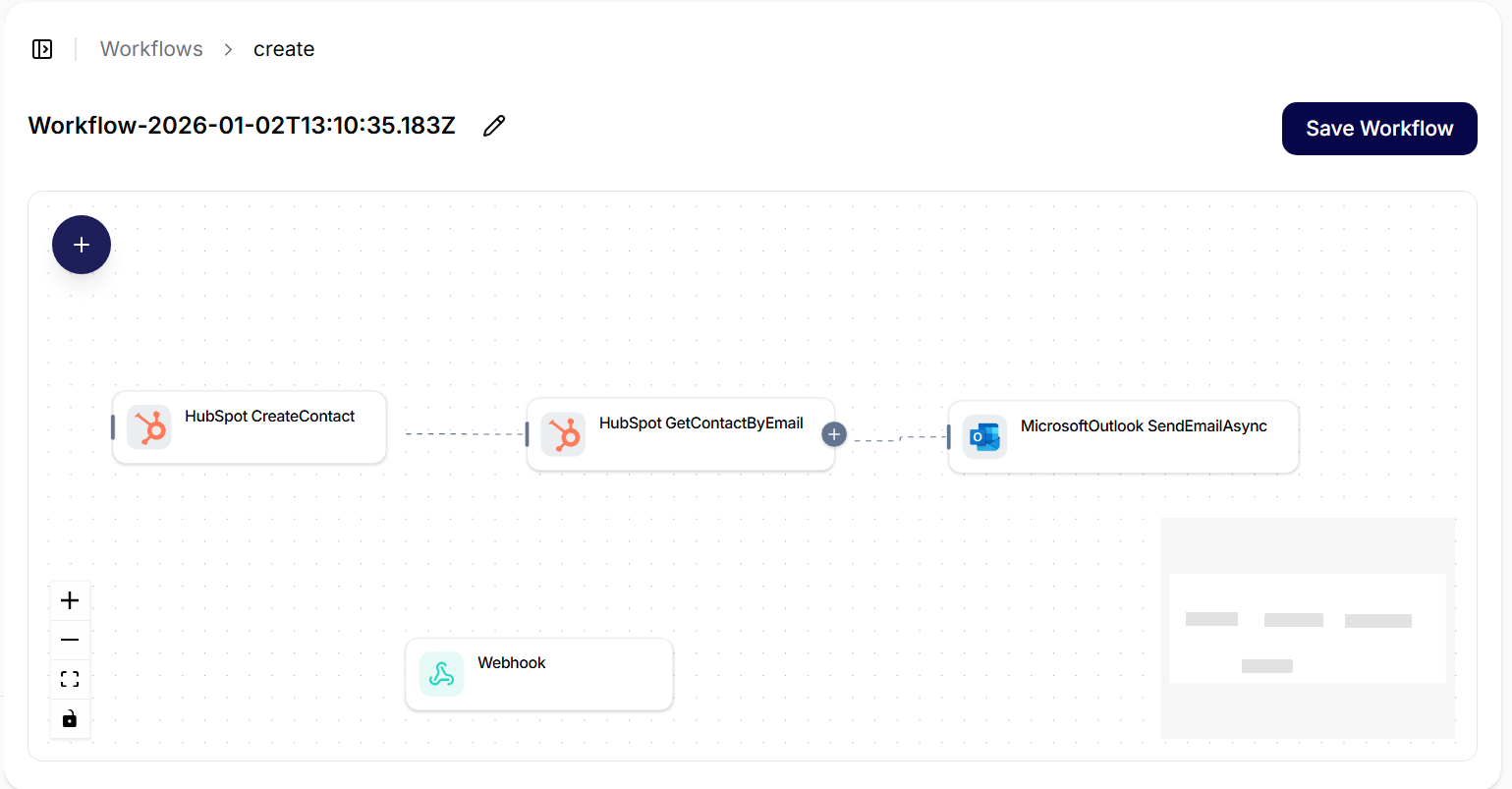
Run the prepared flow without changing its shared structure for a one-off case. Check The Result Or Error
Verify the final output. For a failure, record the step, input, connection, error, and approval state before retrying.
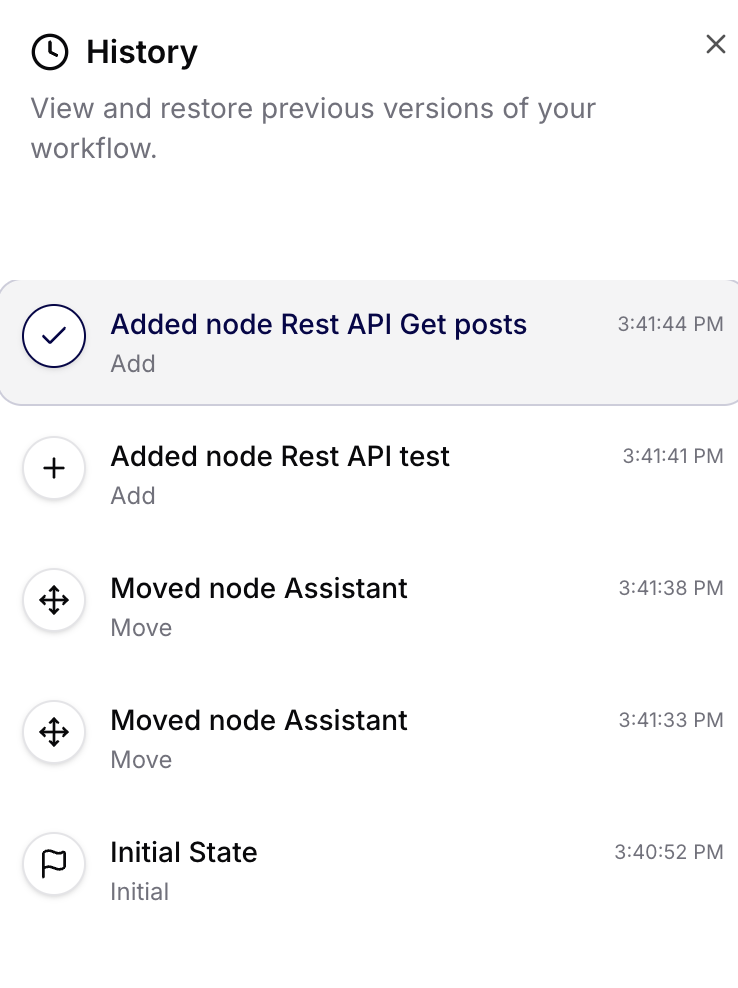
Use workflow history and Tool Executions to identify the exact failed step.
Try It
Input: customer message and account ID
Output: support summary with category, priority, evidence, and next action
Rule: create no external record until the payload is approved
Check The Result
The workflow should produce the expected structured output, and every connected action should have a matching successful Tool Execution or an explicit pending approval.
If It Does Not Work
The most common problem is an incomplete input or unavailable connection. Fix the specific failed step instead of rebuilding the workflow. For external starts, use the Webhooks reference above. Next, learn Use the Library.