Vytvořte opakovatelné workflow
Spusťte připravené workflow s úplnými vstupy a zkontrolujte výsledek nebo přesný krok selhání.
Editor a běhový model popisují Workflows, schválené externí triggery pak Webhooks.
Než začnete
- Workflow použijte pro proces s opakovatelnými vstupy a výstupem.
- Zjistěte očekávané zdroje, agenty, nástroje a schválení.
- Workflow měnící jiný systém nejdříve otestujte na málo rizikovém příkladu.
Postup
Vyberte workflow
Otevřete Workflows, najděte připravený tok a před otevřením si přečtěte jeho účel.
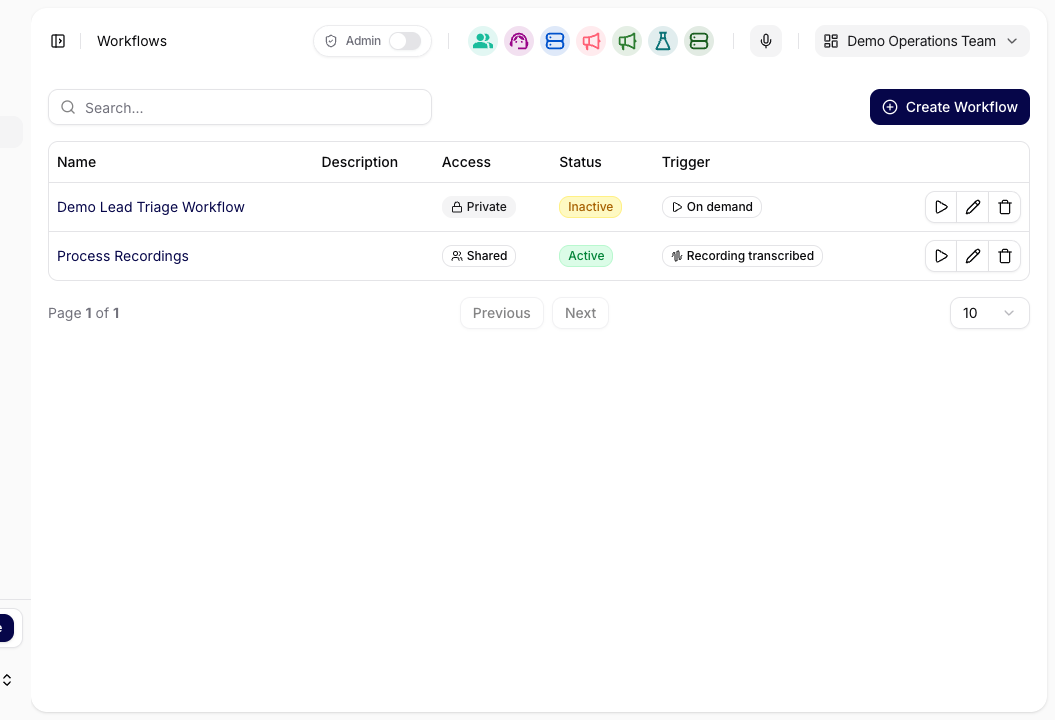
Vyberte workflow, jehož účel odpovídá spouštěnému procesu. Doplňte vstupy
Vyplňte povinné vstupy a ověřte zdroj, cíl, připojený účet a schvalovací bod.
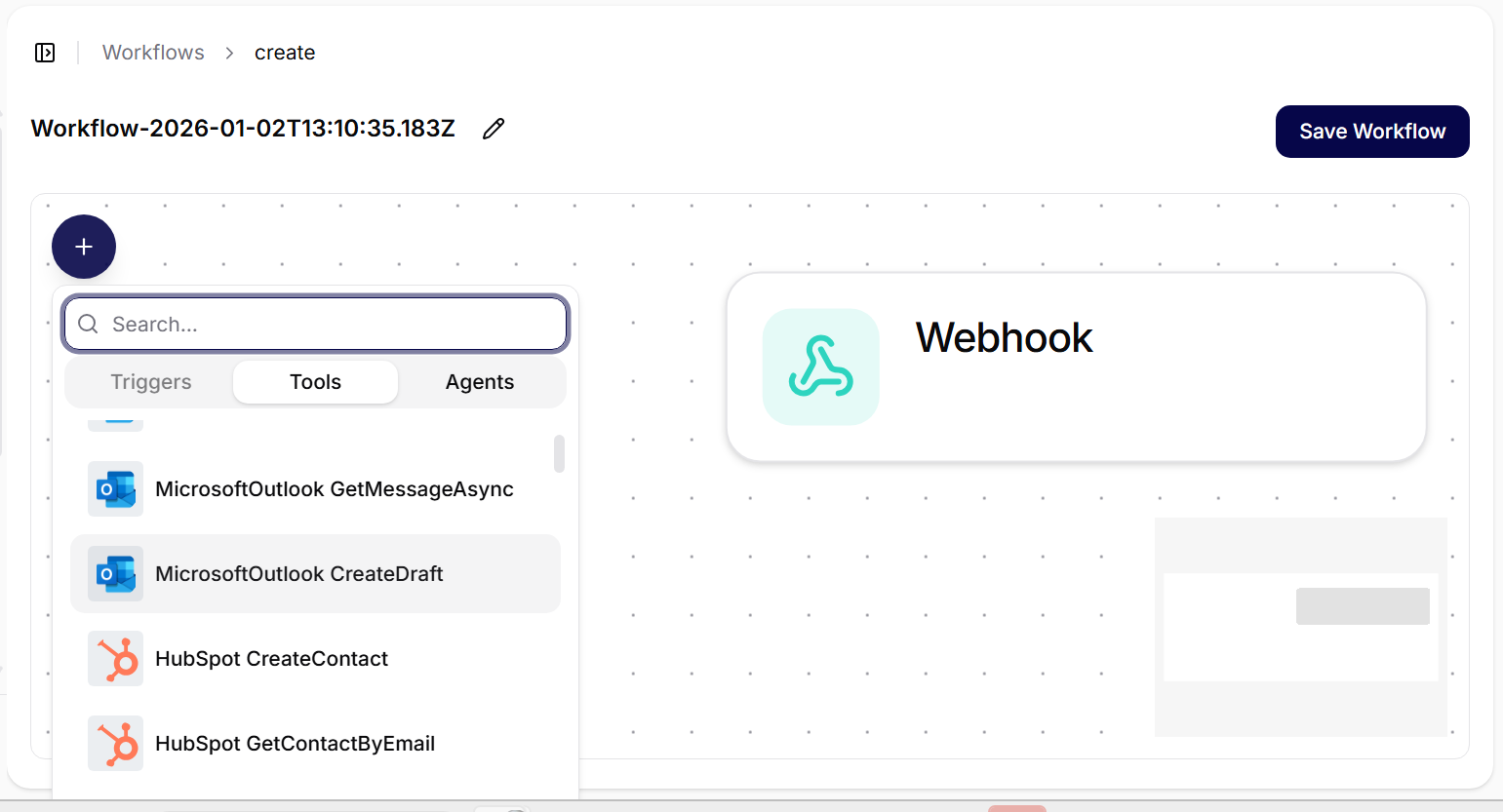
Zkontrolujte každý vstup a nástroj nebo agenta, který ho použije. Spusťte workflow
Workflow spusťte a stránku ponechte otevřenou, dokud neohlásí dokončení, čekající schválení nebo chybu.
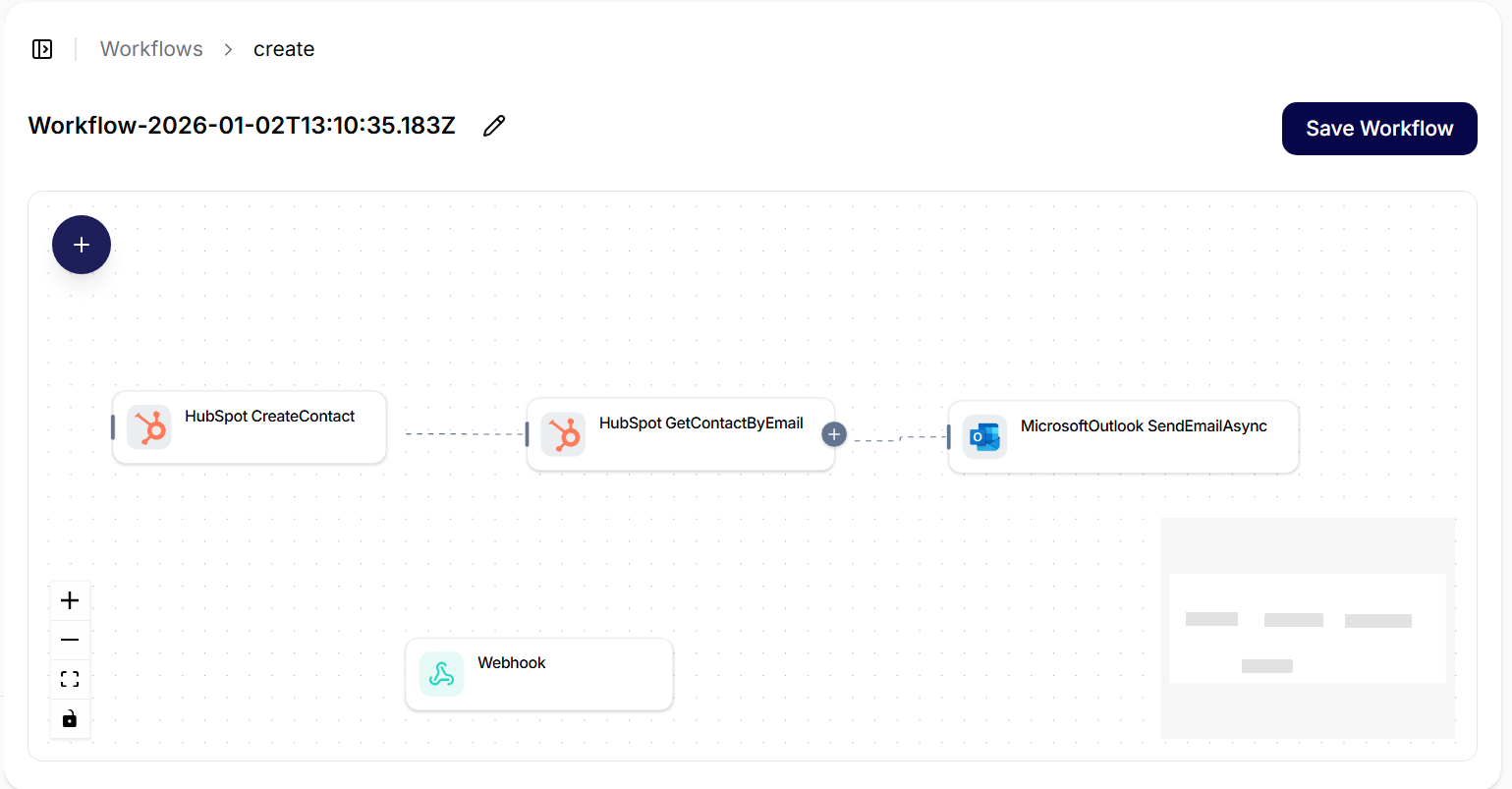
Pro jednorázový případ neměňte sdílenou strukturu připraveného toku. Zkontrolujte výsledek nebo chybu
Ověřte konečný výstup. Při chybě zaznamenejte krok, vstup, connection, chybu a stav schválení před opakováním.
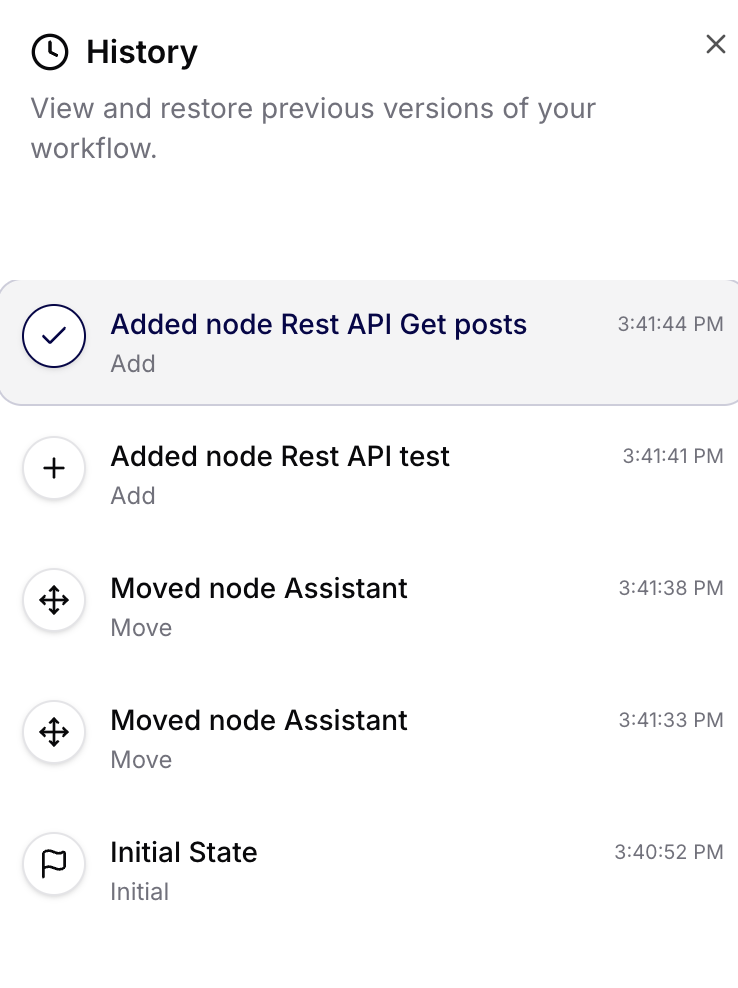
Přesný chybný krok určete z historie workflow a Tool Executions.
Vyzkoušejte
Vstup: zpráva zákazníka a ID účtu
Výstup: support souhrn s kategorií, prioritou, důkazy a dalším krokem
Pravidlo: bez schválení payloadu nevytvářet externí záznam
Kontrola výsledku
Workflow má vytvořit očekávaný strukturovaný výstup a každá propojená akce má mít úspěšný Tool Execution nebo výslovné čekající schválení.
Když to nefunguje
Nejčastěji chybí vstup nebo není dostupná connection. Opravte konkrétní chybný krok místo přestavby workflow. Pro externí spuštění použijte odkaz na Webhooks výše. Dále pokračujte na Použití Library.