Agent je AI asistent s uloženými instrukcemi, zdroji a nástroji. Může navrhovat odpovědi, hledat ve firemních dokumentech, pracovat v propojených aplikacích nebo vytvářet obrázky a soubory, pokud má potřebné schopnosti zapnuté.
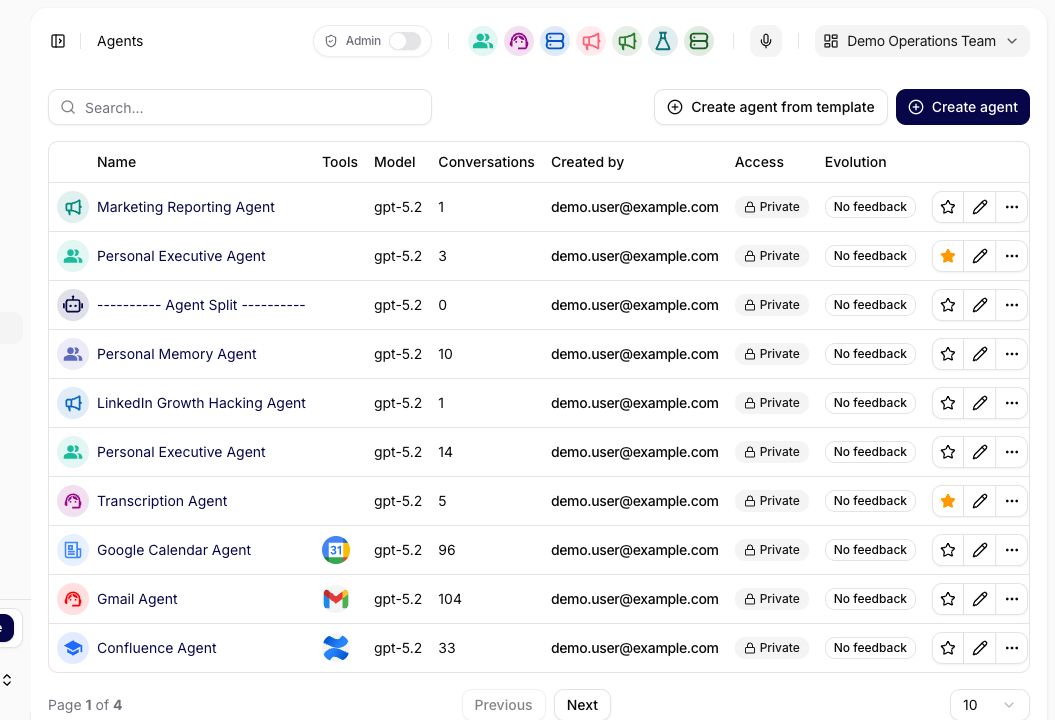
V návodu si ukážeme asistenta pro odpovědi zákazníkům. Začněte v Agents; jednotlivá nastavení podrobně popisuje dokumentace Configuration.
Vyberte agentovi jeden úkol, například návrhy odpovědí zákazníkům podle dokumentace podpory.
Připravte si kolekci zdrojů a jednu zkušební otázku, jejíž odpověď umíte ověřit.
Potřebujete oprávnění agenta upravovat. Pokud můžete sdíleného agenta pouze používat, požádejte o změnu jeho vlastníka. V privátním nasazení vytváří nové agenty Owner nebo Administrator.
Otevřete Agents, vyberte agenta, kterého můžete upravovat, a přejděte na Configuration. Pokud chcete začít s novým agentem, použijte Create Agent, je-li pro vás dostupné.
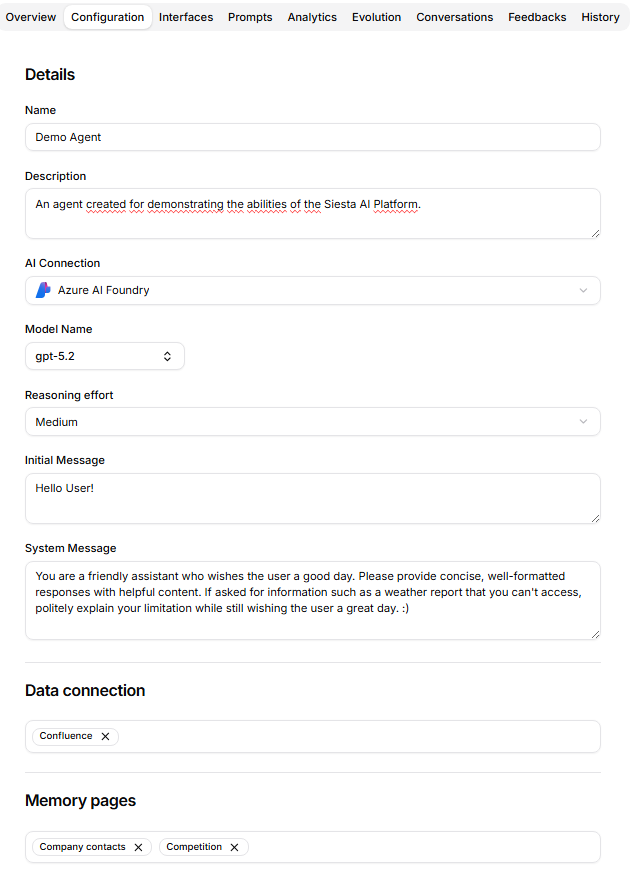
Do Name napište srozumitelný název, například „Asistent zákaznických odpovědí“, a do Description stručný popis účelu. Vyberte dostupné AI Connection a Model Name. Po změně připojení model znovu zkontrolujte. Úroveň uvažování a parametry modelu zatím ponechte; upravujte je až podle výsledků zkoušky.
Do System Message napište úkol, zdroje, tón, podobu výstupu a postup při chybějících informacích. Pro tento příklad použijte:
Pomáháš týmu podpory navrhovat odpovědi zákazníkům.
Vycházej z připojené kolekce podpory a zákazníkovy zprávy.
Napiš srozumitelnou a přátelskou odpověď do 120 slov.
Zvlášť přidej poznámku se zdrojem pro člověka, který odpověď kontroluje.
Pokud zdroj otázku nezodpovídá, napiš, které informace chybí.
Vrať návrh, který člověk zkontroluje a odešle.
Do Initial Message dejte úvodní nápovědu, například: „Vložte zprávu zákazníka a napište, co má odpověď obsahovat.“
V Data connection vyberte kolekci podpory. Do Memory připojte stránky s opakovaně používaným kontextem, například stylem psaní vašeho týmu. Čtení Memory a povolení Memory write jsou samostatná nastavení; zápis povolte, pokud má agent tyto stránky také udržovat.
Další schopnosti přidávejte podle úkolu:
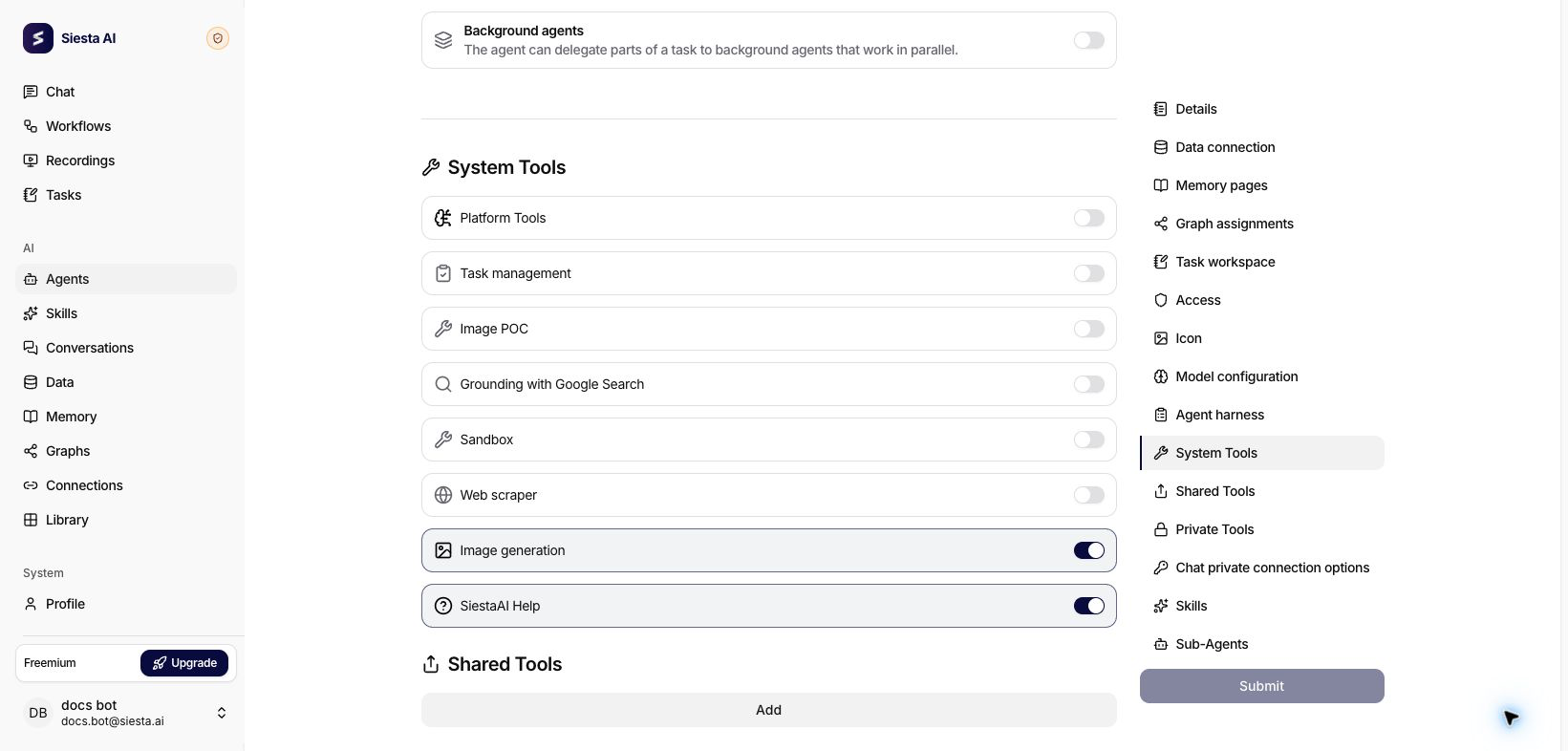
System Tools:Image generation vytváří obrázky, Sandbox připravuje soubory v odděleném pracovním prostředí. Funkce musí být dostupné ve vašem nasazení a tvorba obrázků vyžaduje také podporovaný model. Při zapnutí Sandbox vyberte nabízený Base image. Podívejte se na tvorbu obrázků a souborů ke stažení.
Shared Tools / Private Tools: připojí akce v pracovních aplikacích. Chat private connection options umožní lidem v Chatu připojit vlastní účty povolených typů.
Graph assignments: připojí strukturované entity a vztahy, pokud pracujete s Graphs. Čtení a zápis mají samostatná oprávnění; veřejní agenti tato přiřazení používat nemohou.
Skills / Sub-Agents: přiřadí opakovaně použitelné schopnosti nebo specializované agenty pro složitější práci.
U asistenta pro krátké odpovědi ponechte volby Agent harness vypnuté. Pro delší práci Planning mode vyžádá schválení plánu, Todo list sleduje průběh v konverzaci a Background agents umožní podporované předávání dílčích úkolů. Přiřazení Sub-Agents nadále určuje, které agenty lze zavolat.
V Access, pokud ho můžete upravovat, nastavte, kdo má agenta používat. Dostupné musí být také jeho zdroje a nástroje; sdílení agenta nenahrazuje jejich oprávnění.
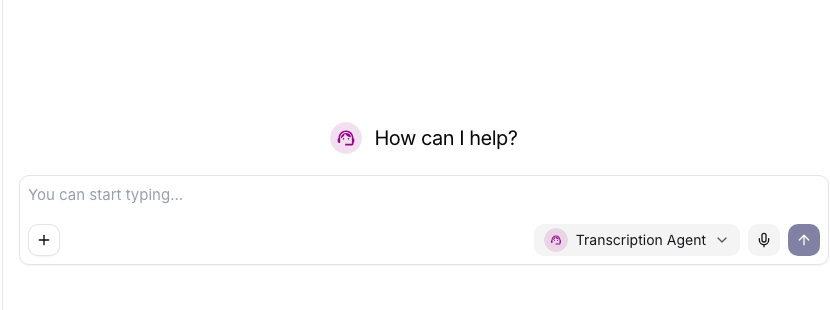
Klikněte na Submit, počkejte na potvrzení a znovu načtěte Configuration, abyste ověřili uložení. Otevřete New Chat a vyberte svého agenta, aby konverzace používala uložené nastavení.
Pošlete zkušební otázku níže. Při běžné práci pak přidávejte aktuální zprávu nebo soubor a požadovaný výsledek; opakované instrukce zajistí uložený System Message.
Porovnejte odpověď se zdrojem. Zkontrolujte tón, délku, poznámku se zdrojem a případný výsledek nástroje. Zkuste také otázku, na kterou kolekce nezná odpověď: agent má pojmenovat chybějící informace.
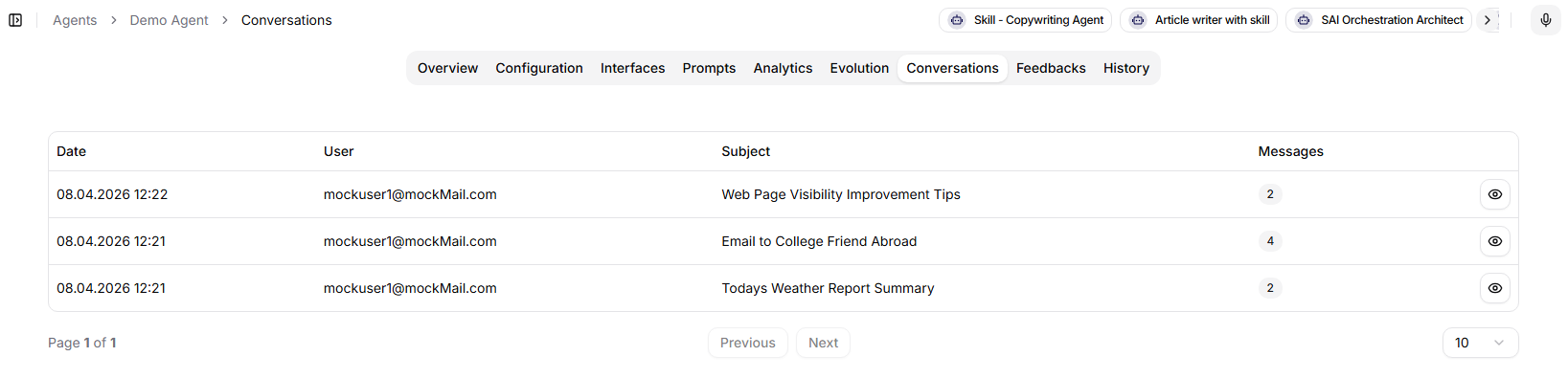
Pokud se problém opakuje, upravte System Message, přiřazený zdroj nebo potřebný nástroj. Měňte jednu věc po druhé, uložte ji a zopakujte zkoušku v novém Chatu. Ke starším příkladům se vracejte přes Conversations.
Odpověď má dodržovat uložené instrukce, odpovídat zdroji a být připravená k vaší kontrole. Když zkouška funguje, používejte stejného agenta pro podobná zadání bez opakovaného vkládání jeho role a pravidel.
Dostupnost agenta v rozšíření prohlížeče, Desktop App, Mobile App nebo webovém widgetu nastavíte v Interfaces. Záleží také na nastavení organizace a přístupu uživatele.