Bezpečné použití propojených nástrojů
Použijte existující connection, zkontrolujte připravenou akci a ověřte, co propojený nástroj skutečně provedl.
Úplný model připojení a funkcí popisují Connections a Tools.
Než začnete
- Zjistěte správný externí účet, workspace a cílový záznam.
- Použijte connection přiřazenou agentovi; změny nastavení řešte se správcem.
- Vytvoření, odeslání, změna a odstranění dat musí vyžadovat potvrzení.
Postup
Najděte connection
Otevřete Connections a ověřte, že zamýšlené připojení existuje a patří správnému účtu nebo týmu. Při jednorázovém selhání nezakládejte duplikát.
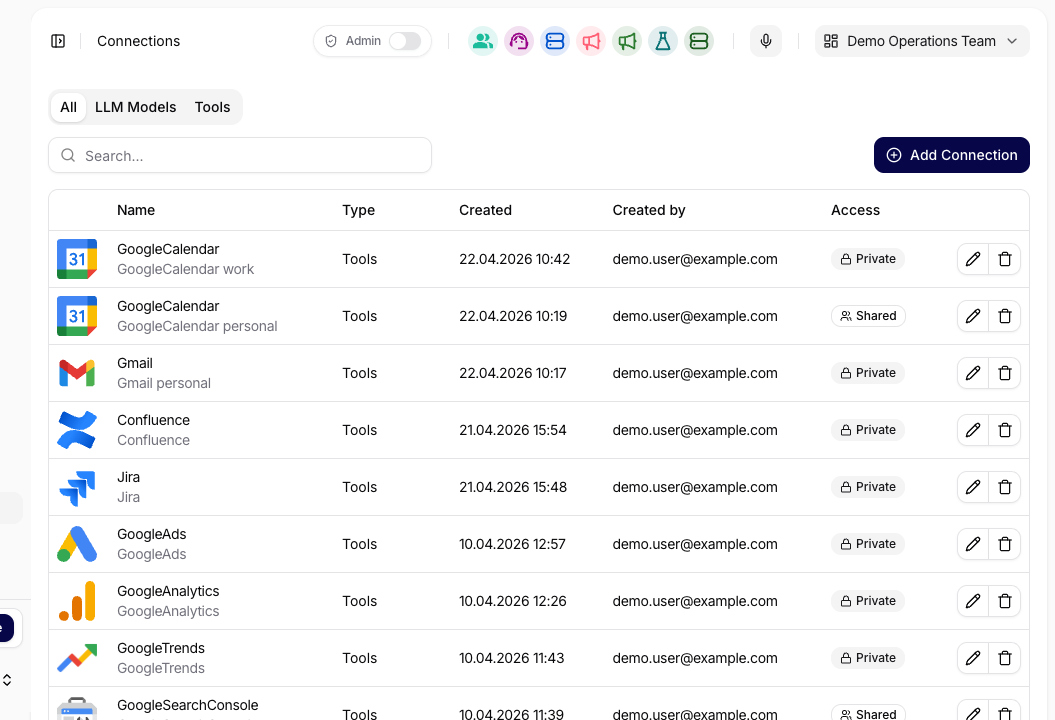
Zkontrolujte provider, název a zda je connection private nebo shared. Zkontrolujte dostupné funkce
Ověřte dostupnost potřebné funkce. Funkce měnící data má být obvykle Enabled with confirmation.
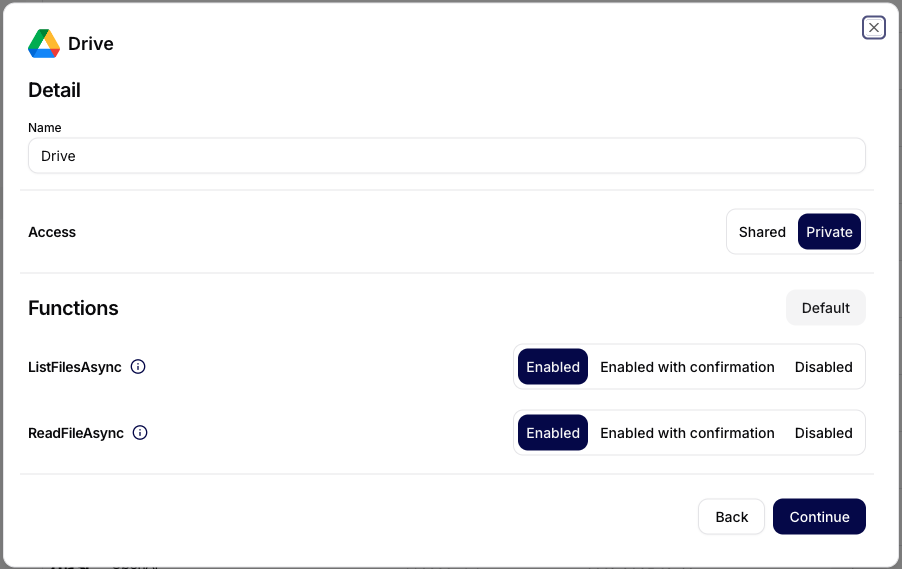
Pravidlo funkce určuje spuštění, čekání na potvrzení nebo nedostupnost. Zobrazte náhled a potvrďte akci
V Chatu požádejte o přípravu bez spuštění. Zkontrolujte účet, cíl, argumenty a očekávaný dopad; schvalte jen správnou akci.
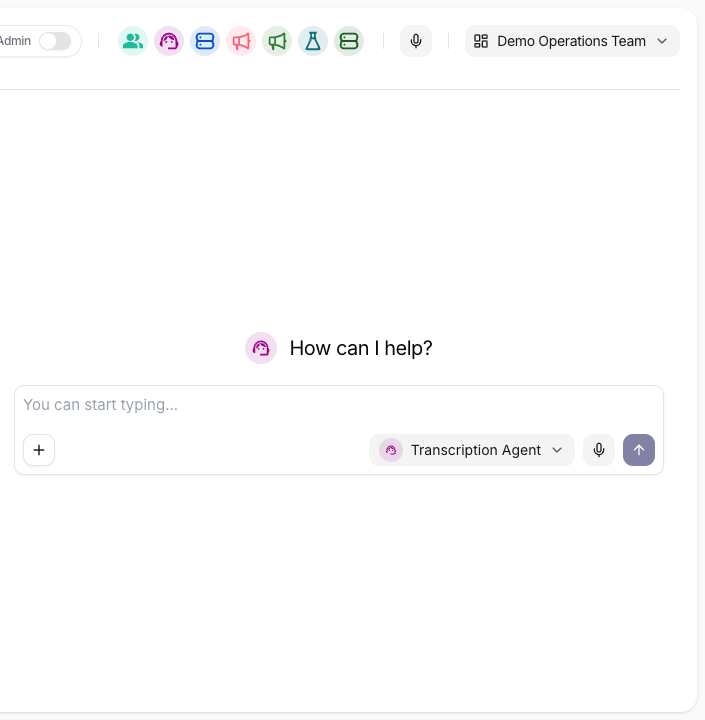
Před schválením externího zápisu si vyžádejte celý cíl a payload. Ověřte execution
Zkontrolujte stav, argumenty, výsledek, chybu a schválení v Tool Executions. Konečný záznam ověřte také v externím systému.
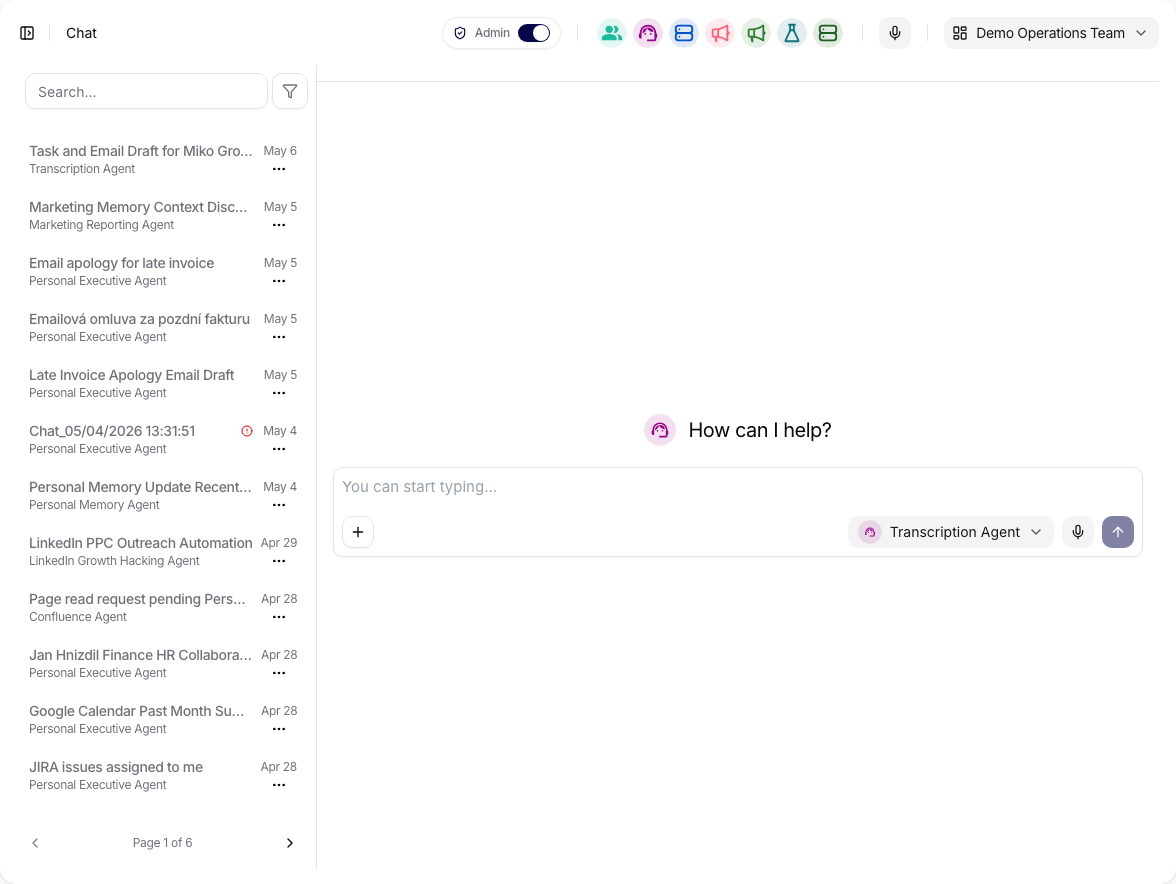
Otevřete původní konverzaci a její stav nástroje v Tool Executions.
Vyzkoušejte
Připrav událost v kalendáři, ale zatím ji nevytvářej. Ukaž připojený účet,
název, účastníky, datum, čas, časové pásmo, popis a nastavení konference.
Kontrola výsledku
Schválený payload musí odpovídat vytvořenému externímu záznamu. Tool Executions musí ukázat úspěšnou akci se správným účtem a argumenty.
Když to nefunguje
Nejčastější příčinou je expirované připojení nebo chybějící oprávnění. Akci neopakujte naslepo: poznamenejte název connection, funkci, stav a chybu. Dále pokračujte na Opakovatelné workflow.