Users
This section is for managing users within the Siesta AI platform. The administrator can create new users and assign roles here.
Creating a New User
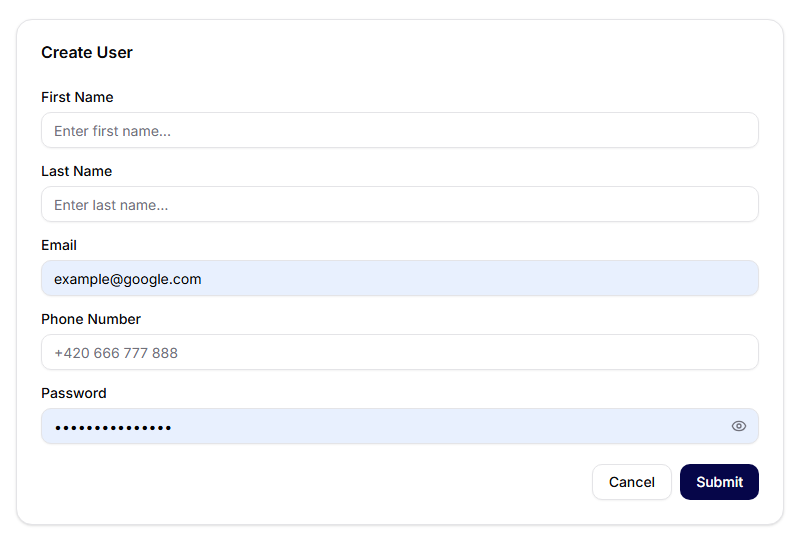
After clicking on Add User, a form will open where you fill in:
- First Name
- Last Name
- Phone Number
- Password
You can confirm by clicking the Submit button, or close the dialog using Cancel.
User Roles
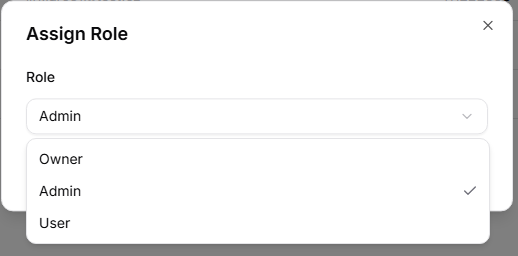
In the role assignment dialog, the following options are available:
- Owner
- Administrator
- User