Profile
The Profile section is used to manage personal information, linked accounts, and access security. The form is divided into two parts: basic information and security.
Account Information
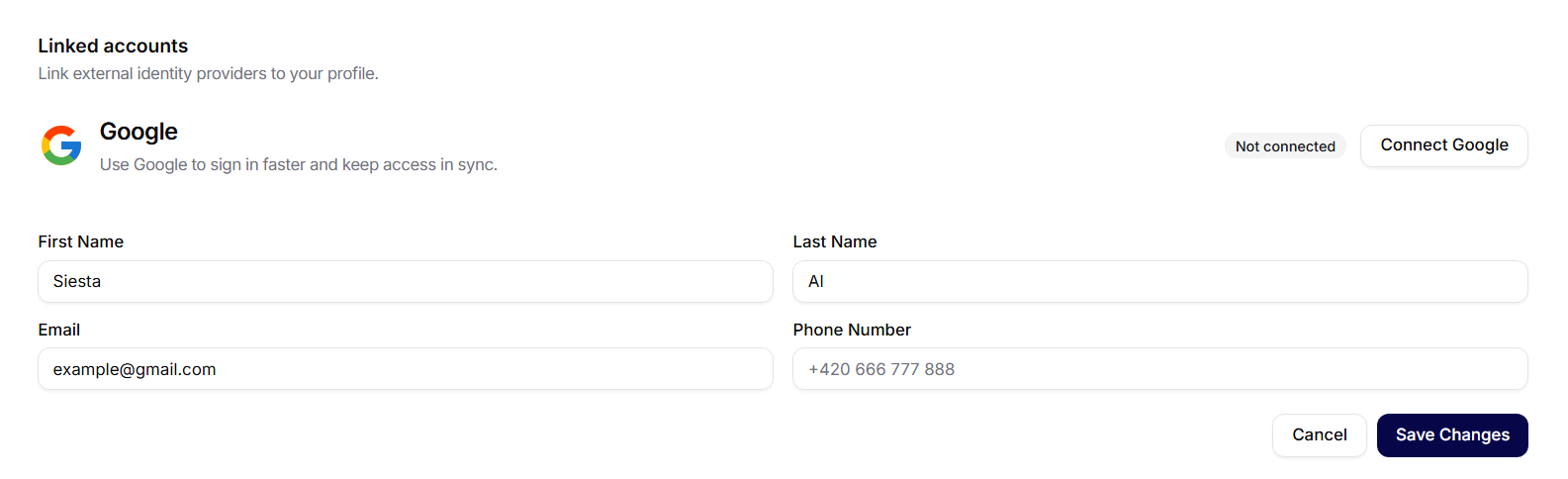
In this section, you can edit basic profile information:
- First Name and Last Name
- Email (login address)
- Phone Number
Save your changes by clicking the Save Changes button. If you want to discard the edits, use Cancel.
Linked Accounts
At the top of the page, there is a section called Linked Accounts. Here you can see which external logins are connected to the account (e.g., Google). The status is marked with a label Connected, and the account can be disconnected by clicking the Disconnect button.
Change Password and Deactivate Account
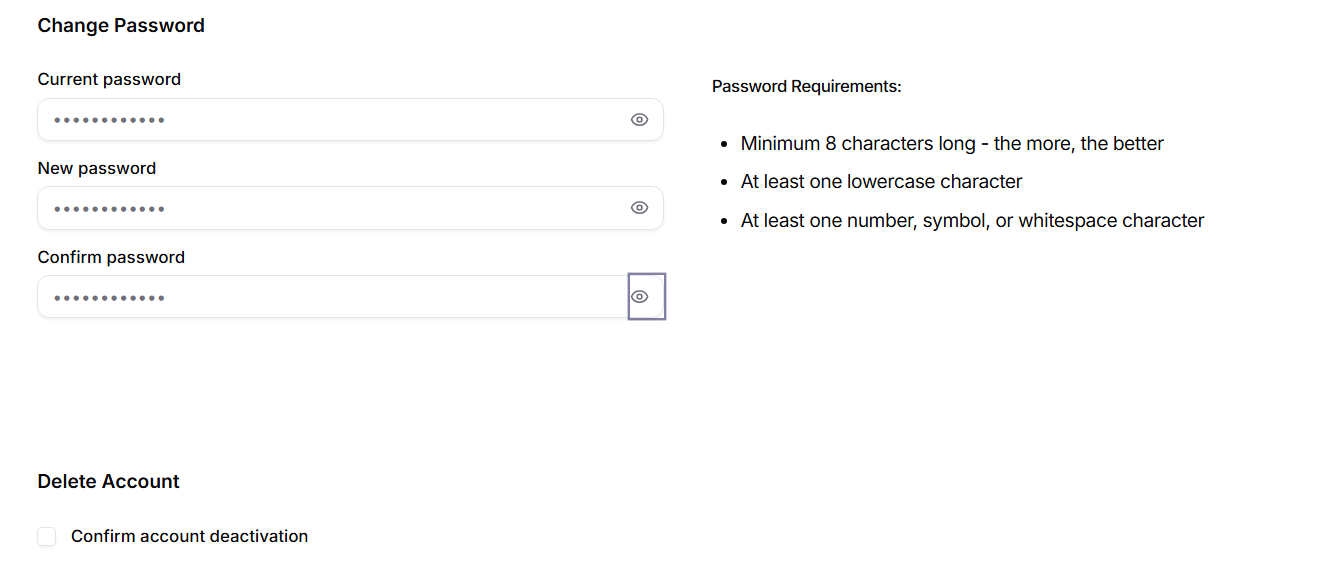
The Change Password section requires:
- Current Password
- New Password
- Confirm Password
On the right, there is an overview of the password requirements that need to be met (e.g., at least 8 characters, at least one lowercase letter, and at least one number/symbol/space).
Delete Account
To deactivate the account, you must check Confirm Account Deactivation.