Google Sheets
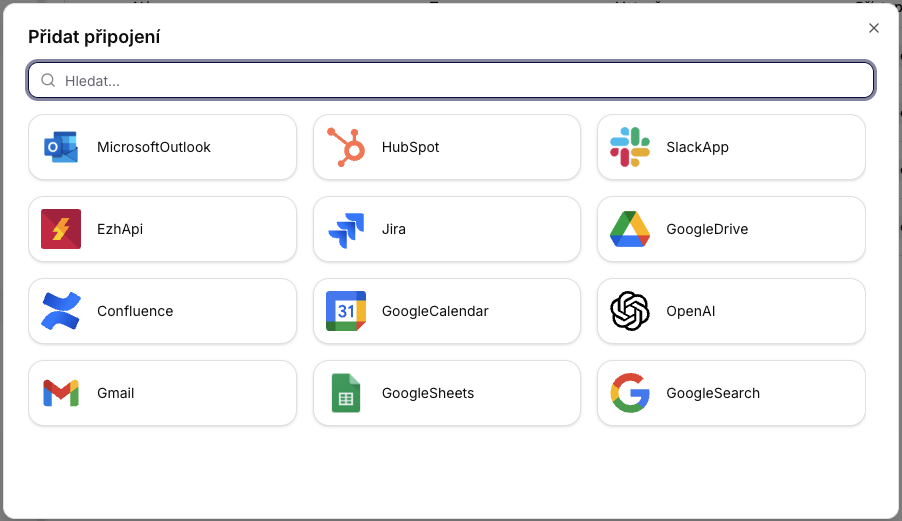
The connection is established in the same way as with other Google accounts in Siesta AI (OAuth).
Overview
This document describes the available integrations with Google services:
- GoogleSheets (operations on spreadsheets)
Integrations are designed as deterministic, stateless operations suitable for automation, reporting, and data pipelines.
1. Google Sheets Integration
Service Name
GoogleSheets
Description
The integration allows for the creation, retrieval, and updating of Google Spreadsheets. It is used as a lightweight data store or export target for automated processes.
1.1 CreateSheetAsync
Description
Creates a new Google Spreadsheet with specified columns.
Input Parameters
| Parameter | Type | Required | Description |
|---|---|---|---|
| name | String | Yes | The name of the Spreadsheet. |
| columnNames | String | Yes | A comma-separated list of column names. |
Behavior
- If a spreadsheet with the given name does not exist, it is created.
- Columns are initialized in the first row.
Typical Use Cases
- Initialization of reports
- Preparation of data structure for subsequent writing
1.2 GetSheetAsync
Description
Retrieves an existing Google Spreadsheet by name.
Input Parameters
| Parameter | Type | Required | Description |
|---|---|---|---|
| name | String | Yes | The name of the Spreadsheet. |
Behavior
- Returns metadata of the spreadsheet.
- If the spreadsheet does not exist, the operation fails.
1.3 UpdateSheetAsync
Description
Replaces the content of an existing Spreadsheet with data in CSV format.
Input Parameters
| Parameter | Type | Required | Description |
|---|---|---|---|
| name | String | Yes | The name of the Spreadsheet. |
| csvContent | String | Yes | CSV data to write. If the field contains a comma, it must be in quotes. |
Behavior
- Completely replaces existing content.
- Does not perform data type validation.
- The responsibility for the correct CSV format lies with the caller.
Typical Use Cases
- Data export
- Report synchronization
- Automatic rewriting of pipeline outputs
Security Notes
- The integration operates exclusively through the official Google API.
- No direct login credentials are exposed.
- Access rights are managed at the level of the Google account or service account.
Design Decisions
- Stateless operations without caching and shared state.
- Explicit names: the spreadsheet is identified by name, not ID.
- Fail-fast approach: inconsistent data leads to an error.
Summary
- GoogleSearch provides deterministic searching through the Google Custom Search JSON API.
- GoogleSheets covers the creation, retrieval, and updating of spreadsheets.
- Data format and permissions are fully the responsibility of the calling system.