Google Drive Connector
Allows assistants and workflows to browse and read files from Google Drive.
Quick Connection
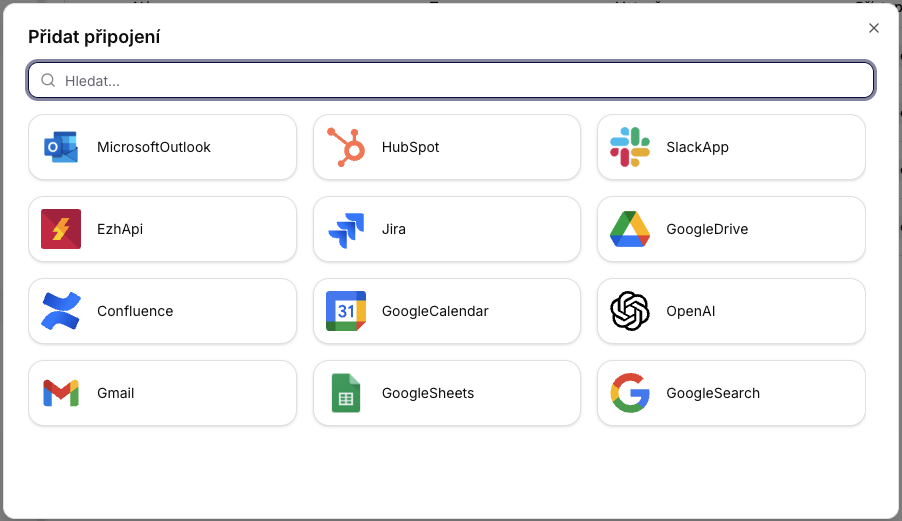
To create, simply press Add Connection, select Google Drive, and the page will automatically redirect to Google login. After logging in, the account is linked.
Settings
- In Connectors, choose Add Connector and select Google Drive.
- Log in via Google OAuth and grant access to Drive.
- Set whether the connection should be Shared or Private and save.
Usage
- In parameters or workflow steps, use the connector to load files, folders, or metadata.
- Share only the necessary drives/folders with the connected Google account to limit the scope of access.
Tips
- Upon expiration or change of scope, reauthorize the connector.
- Enable audit logs to monitor access to files.