System Tools
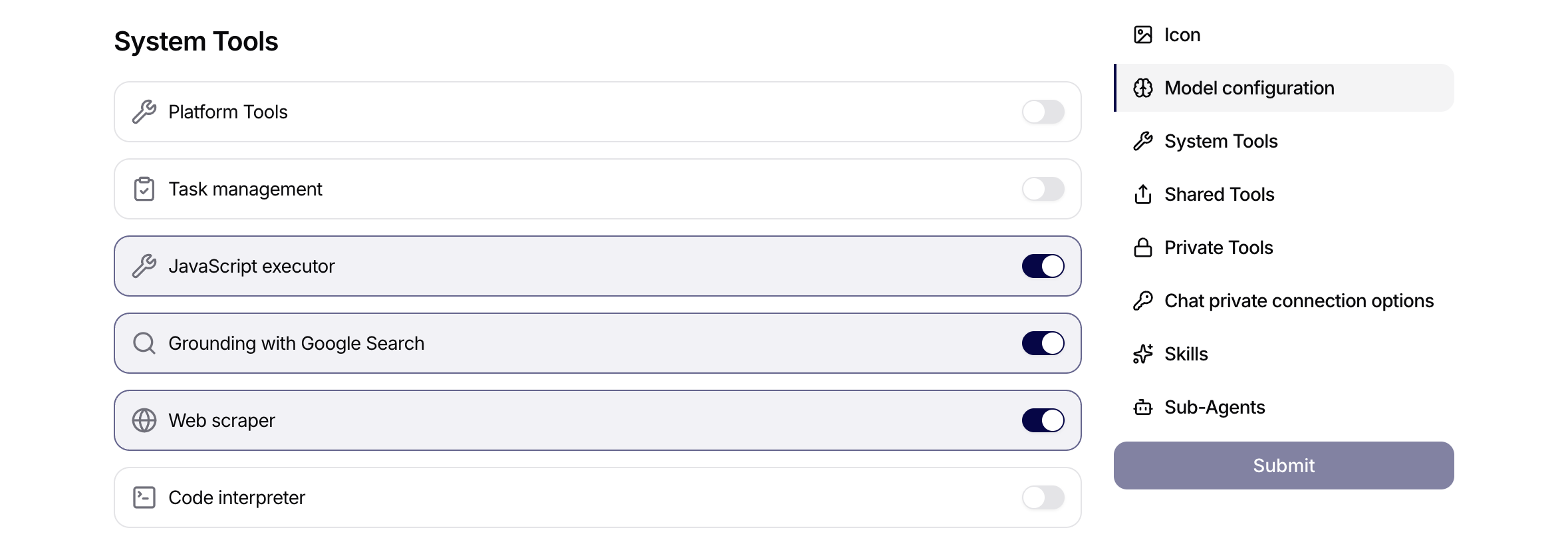
System Tools are built-in Siesta AI capabilities that can be assigned directly to agents. They are different from ordinary connection tools such as Gmail, Jira, HubSpot, or Google Drive. A connection tool usually depends on a user-created or admin-created Connection. A system tool adds a platform or runtime capability to the agent itself.
Use this page as a bridge between the user guides and admin setup guides. It explains what system tools are for, when they should be used, and which ones need stricter governance.
When to Use System Tools
Use a system tool when an agent needs a built-in capability:
- create a task from the current conversation,
- verify current information with web search,
- read a specific web page,
- analyze uploaded files or spreadsheets,
- create downloadable outputs,
- coordinate sub-agents or platform-level work.
If the agent needs to access an external business system, use a Connection tool instead. If the agent only needs approved knowledge, use Data or Memory.
System Tool Overview
| System tool | What it helps with | Typical audience |
|---|---|---|
| Task Management | Create tasks from a conversation when the user explicitly asks. | Users, team agents |
| Grounding with Google Search | Verify current information using web search. | Research, support, marketing, analysis agents |
| Web scraper | Read and summarize a specific URL. | Research, SEO, competitor analysis, content review agents |
| Code interpreter | Analyze files, process data, create downloadable outputs. | Data users, analysts, power users |
| Platform Tools | Create, inspect, or update agents and platform objects. | Admins, platform operators |
| Orchestration | Run work across sub-agents in batches. | Power users, process owners |
| JavaScript executor | Run scripted logic, work with Excel files, create artifacts, call sub-agents. | Admins, power users |
User-Safe Examples
Use web search to verify this, then cite what you found.
Do not rely only on memory.
Scrape this URL and summarize only facts visible on the page.
Create a task from this conversation with summary, prompt, and status Todo.
Analyze this spreadsheet and create a downloadable cleaned version.
For write actions or generated files, ask the agent to show a preview or explain what it will create before you use the result.
Admin Governance Notes
Enable system tools intentionally. Task Management, Grounding with Google Search, and Web scraper are often safe for production agents when the use case is clear. Code interpreter should be reserved for agents that need data analysis or file generation. Platform Tools, Orchestration, and JavaScript executor should usually be limited to admin or power-user agents because they can change platform configuration, increase execution volume, or run more autonomous logic.
When system tools are included in a template, newly created agents can inherit those capabilities. Review system tools before publishing templates broadly.
Related Guides
- Users: Work with Agents
- Users: Use Chat Effectively
- Users: Use Tasks to Track Work
- Admins: Set Up Tools, APIs, and MCP Access
- Admins: Define Access Policies and Visibility Rules